
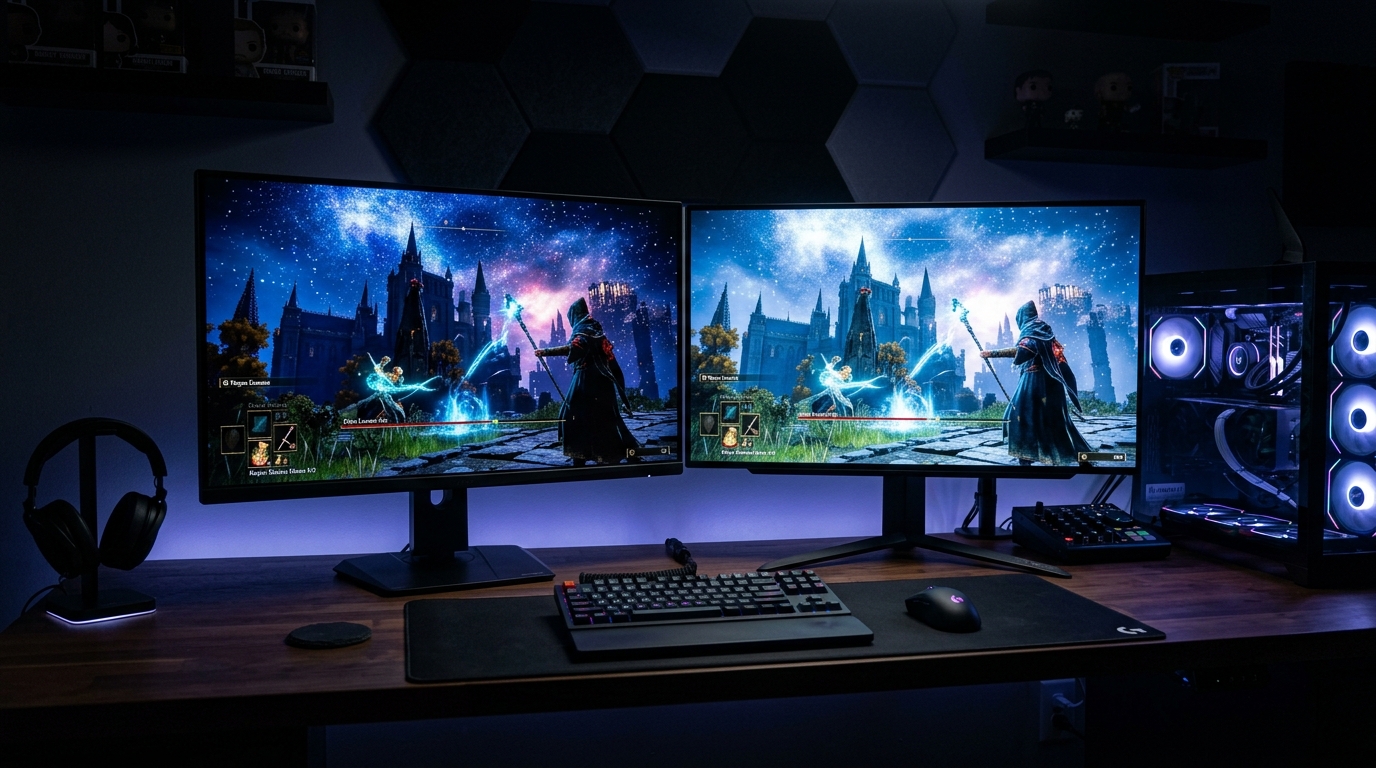
The rapid rise of high-refresh-rate OLED and Mini-LED gaming monitors has pushed display bandwidth to the absolute edge of physics. Driving a 4K display at 240Hz with 10-bit color and HDR requires a staggering 68.56 Gbps of raw bandwidth. While HDMI 2.1 capped out at 48 Gbps (requiring mandatory Display Stream Compression), the full implementation of DisplayPort 2.1 with Ultra-High Bit Rate 20 (UHBR20) delivers up to 80 Gbps of uncompressed transmission bandwidth. In 2026, understanding the technical differences between DP 2.1 transmission tiers and HDMI 2.1 is critical for PC enthusiasts, competitive gamers, and workstation designers.
1. Bandwidth & Transmission Tiers: The Numbers Explained
Display transmission standards use specific encoding overheads (16b/18b for DP 2.1 vs 16b/18b for HDMI 2.1 FRL), dictating maximum usable payload throughput:
| Interface Standard | Raw Link Rate | Max Usable Payload | Uncompressed Max Resolution |
|---|---|---|---|
| HDMI 2.1 (FRL6) | 48.0 Gbps | 42.67 Gbps | 4K 144Hz 10-bit HDR (4K 240Hz requires DSC) |
| DisplayPort 2.1 (UHBR10) | 40.0 Gbps | 38.69 Gbps | 4K 120Hz 10-bit HDR (Requires DSC for 240Hz) |
| DisplayPort 2.1 (UHBR13.5) | 54.0 Gbps | 52.22 Gbps | 4K 165Hz 10-bit HDR |
| ⭐ DisplayPort 2.1 (UHBR20) | 80.0 Gbps | 77.37 Gbps | Uncompressed 4K 240Hz & 8K 120Hz (with DSC) |
2. Display Stream Compression (DSC 1.2a): Is It Truly ‘Visually Lossless’?
When running a 4K 240Hz QD-OLED or WOLED gaming monitor over HDMI 2.1, the GPU engages Display Stream Compression (DSC 1.2a). DSC operates in real time, compressing image slices line-by-line with a fixed 3:1 compression ratio in less than one horizontal scanline of latency (under 5 microseconds).
While DSC is imperceptible during fast-paced gaming, power users encounter several practical trade-offs:
- DSR / DLDSR Incompatibility: On NVIDIA GPUs, enabling DSC traditionally disables Dynamic Super Resolution (DLDSR) and custom resolution utility (CRU) overrides due to scaler hardware limitations.
- Alt-Tab Black Screen Flashing: Switching between fullscreen exclusive games and desktop apps often causes a 2–3 second black screen while the display re-synchronizes DSC decompression streams.
- Multi-Monitor Bandwidth Slicing: DSC consumes internal display engine display heads (NV Display Heads), limiting your ability to connect 3 or 4 simultaneous high-refresh displays.
Deploying native DP 2.1 UHBR20 completely bypasses DSC, eliminating black screen alt-tab delays and preserving full GPU scaler features at 4K 240Hz.
3. VESA DP80 Cable Certification & GPU Support
Driving 80 Gbps requires pristine signal integrity. Standard DisplayPort cables will instantly drop to UHBR10 or cause signal dropouts. To achieve stable UHBR20 links, ensure you purchase VESA-certified DP80 cables (tested for 80 Gbps over passive copper runs up to 1.2 meters, or active optical DP80 cables for longer runs up to 3 meters).
Where to Expand Your Stack Next
Protect Your OLED Gaming Display →
Desktop safety settings, pixel cleaning cycles, and ASBL mitigation for OLED panels.
Tame Gen5 NVMe Thermal Throttling →
Active mini-fan heatsinks and graphene cooling pads for 14,000 MB/s SSDs.
People Also Ask
Can DisplayPort 2.1 do 4K 240Hz without DSC?
Yes. DisplayPort 2.1 configured with the UHBR20 transmission tier provides 77.37 Gbps of usable bandwidth, which comfortably exceeds the 68.56 Gbps required for uncompressed 4K 240Hz 10-bit HDR video.
What is the difference between DP40 and DP80 cables?
DP40 certified cables support up to UHBR10 (40 Gbps bandwidth), while DP80 certified cables are constructed with stricter shielding and signal integrity standards to support the full UHBR20 (80 Gbps bandwidth) specification.
Does HDMI 2.1 support 4K 240Hz?
HDMI 2.1 can display 4K at 240Hz, but only by utilizing Display Stream Compression (DSC 1.2a) because its maximum bandwidth of 48 Gbps (42.67 Gbps usable) is insufficient for uncompressed 4K 240Hz HDR.