
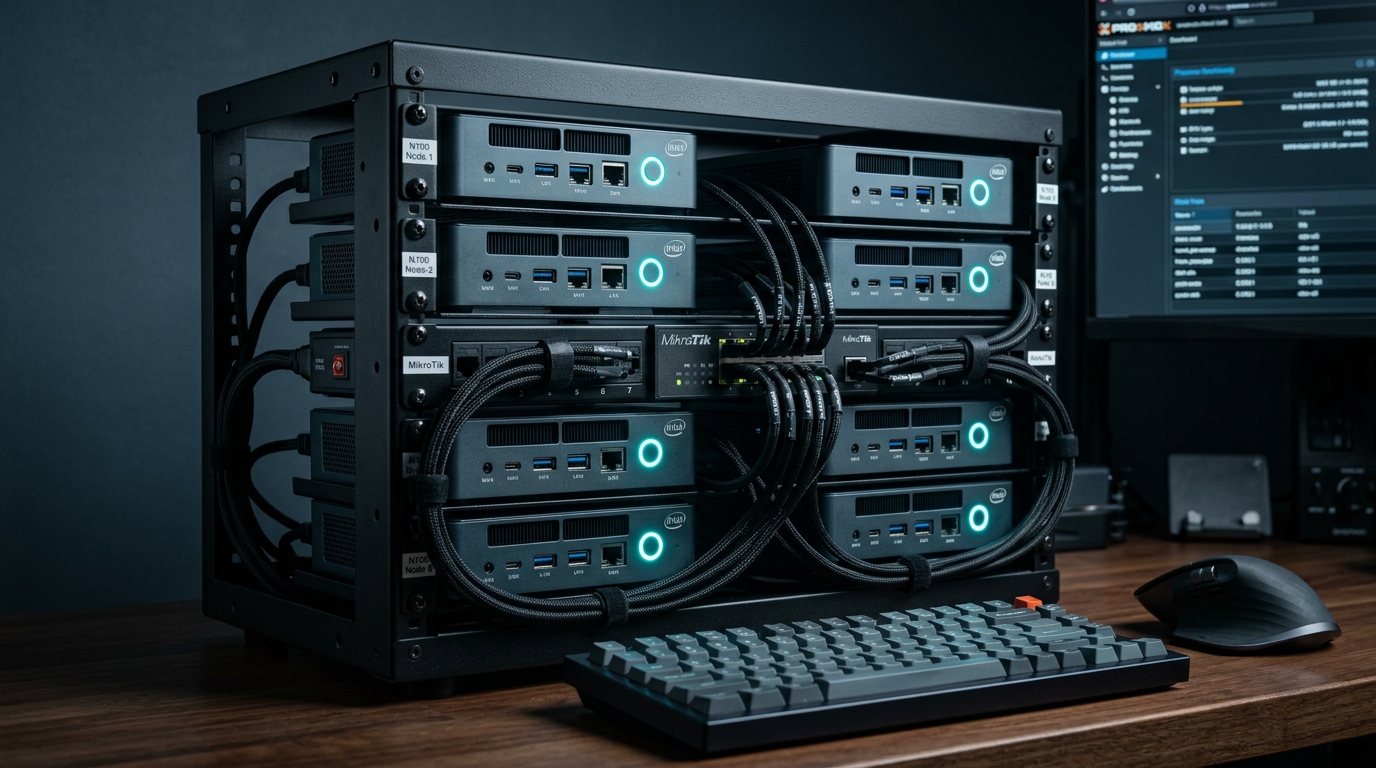
⚡ Quick Benchmarks & Efficiency Breakdown
- Wall Idle Power: Intel N100 idles between 6W and 9W; N305 idles at 9W to 13W with C-states tuned.
- Hardware Transcoding: Intel UHD Graphics with QuickSync delivers four simultaneous 4K HDR (HEVC 10-bit) transcode streams with zero CPU throttling.
- Memory Constraints: Single-channel memory controller officially capped at 16GB, but unofficially validates up to 32GB / 48GB DDR5 SODIMMs.
- PCIe Lane Bottlenecks: 9 PCIe 3.0 lanes mean dual NVMe drives or 2.5GbE NICs share bandwidth; bifurcation requires careful planning.
For home lab builders and self-hosting enthusiasts, the era of keeping noisy, decommissioned 150-watt enterprise rack servers in a hallway closet is officially over. With residential electricity rates exceeding $0.25 to $0.40 per kWh across North America, running a decommissioned Dell PowerEdge or HP ProLiant server 24/7 adds $350 to $500 annually to your utility bill.
In 2026, Intel’s Gracemont-based ultra-efficient processors—specifically the Intel N100 (4 cores / 4 threads) and Core i3-N305 (8 cores / 8 threads)—have established themselves as the undisputed kings of energy-efficient home computing. For under $160 on Amazon or AliExpress, these mini-PC platforms run Proxmox VE, multiple Docker containers, and full media stacks while consuming less power than a living room LED lightbulb.
1. Architectural Shootout: Intel N100 vs. Core i3-N305
Both microprocessors are built on Intel 7 process technology utilizing exclusively Efficient-cores (E-cores). However, their compute ceiling, GPU execution units, and thermal envelopes diverge significantly:
| Hardware Specification | Intel Processor N100 | Intel Core i3-N305 |
|---|---|---|
| Core / Thread Topology | 4 Cores / 4 Threads (Gracemont) | 8 Cores / 8 Threads (Gracemont) |
| Max Turbo Frequency | 3.40 GHz | 3.80 GHz |
| iGPU Execution Units | 24 EUs (Intel UHD 750MHz) | 32 EUs (Intel UHD 1.25GHz) |
| Thermal Design Power (TDP) | 6 Watts Base (PL1) | 15 Watts Base (PL1) |
| PassMark Multi-Thread | 5,540 | 10,180 (+83%) |
| Average System Barebones Cost | $130 – $165 USD | $240 – $310 USD |
For standard micro-services—including Pi-hole, Vaultwarden, Home Assistant, and a Jellyfin media server—the $140 Intel N100 provides more than enough headroom. However, if you plan to compile code, run heavier analytics, or cluster multiple nodes via our blueprint on building a $400 3-node Proxmox HA mini PC cluster, the 8-core N305 prevents CPU starvation.
2. Jellyfin & Plex QuickSync Transcoding Setup in Proxmox
One of the primary selling points of Alder Lake-N is the 12th-generation Intel UHD graphics engine with QuickSync. To pass the integrated GPU directly from Proxmox VE into an unprivileged LXC container running Jellyfin, map the /dev/dri render node directly in your container configuration:
Proxmox LXC Configuration: /etc/pve/lxc/105.conf
# Passthrough Intel UHD QuickSync render devices to Jellyfin LXC
lxc.cgroup2.devices.allow: c 226:0 rwm
lxc.cgroup2.devices.allow: c 226:128 rwm
lxc.autodev: 1
lxc.hook.autodev: /var/lib/lxc/105/mount_hook.sh
By leveraging lightweight containerization rather than a heavy VM, you save up to 1.5GB of RAM overhead. For a detailed architectural breakdown of container security and storage drivers, study our guide on Docker in Proxmox LXC vs. Dedicated VM performance in 2026.
3. Storage Bottlenecks: Dealing with 9 PCIe Lanes
The single biggest limitation of the N100/N305 platform is PCIe lane allocation. The SoC exposes only 9 PCIe 3.0 lanes. Most mini PC motherboards allocate 4 lanes to the primary M.2 NVMe slot, 2 lanes to dual Realtek/Intel 2.5GbE NICs, 1 lane to the Wi-Fi card, and 2 lanes to onboard SATA controllers.
If you connect a high-speed SSD, it will run at PCIe 3.0 speeds (~3,500 MB/s). Do not waste money installing Gen 4 or Gen 5 drives. For an empirical look at interface overhead and temperature management, review our analysis on PCIe 5.0 vs. PCIe 4.0 NVMe SSD real-world performance in home labs and how to safeguard against thermal throttling with active M.2 SSD cooling and graphene heatsinks.
Senior Analyst’s Verdict
For 90% of home labbers, the Intel N100 represents the absolute sweet spot of price, thermal silence, and capability in 2026. Consuming under 10 watts at wall idle, it pays for itself in electricity savings within 18 months while effortlessly serving media, DNS, and automation workflows. Step up to the Core i3-N305 only if you run multi-tenant microservices or compile containers locally.
People Also Ask (PAA)
Can the Intel N100 support 32GB of RAM?
Yes. While Intel’s official specification lists a maximum of 16GB, virtually all motherboard vendors (including Beelink, Minisforum, and GMKtec) unofficially support a single 32GB or even 48GB DDR5-4800 / DDR5-5600 SODIMM module without stability issues.
Can the Intel N100 transcode 4K AV1 video?
Yes. The Intel UHD graphics engine on the N100 features hardware-accelerated decode for AV1, HEVC (H.265 10-bit), and H.264 up to 4K 60FPS, making it one of the most efficient media servers available.
How many virtual machines can an Intel N100 run on Proxmox?
Because the N100 features 4 cores without hyper-threading, it comfortably handles 1 to 2 light VMs alongside 15 to 25 lightweight Linux Containers (LXC), provided the host is equipped with 16GB or 32GB of RAM.