
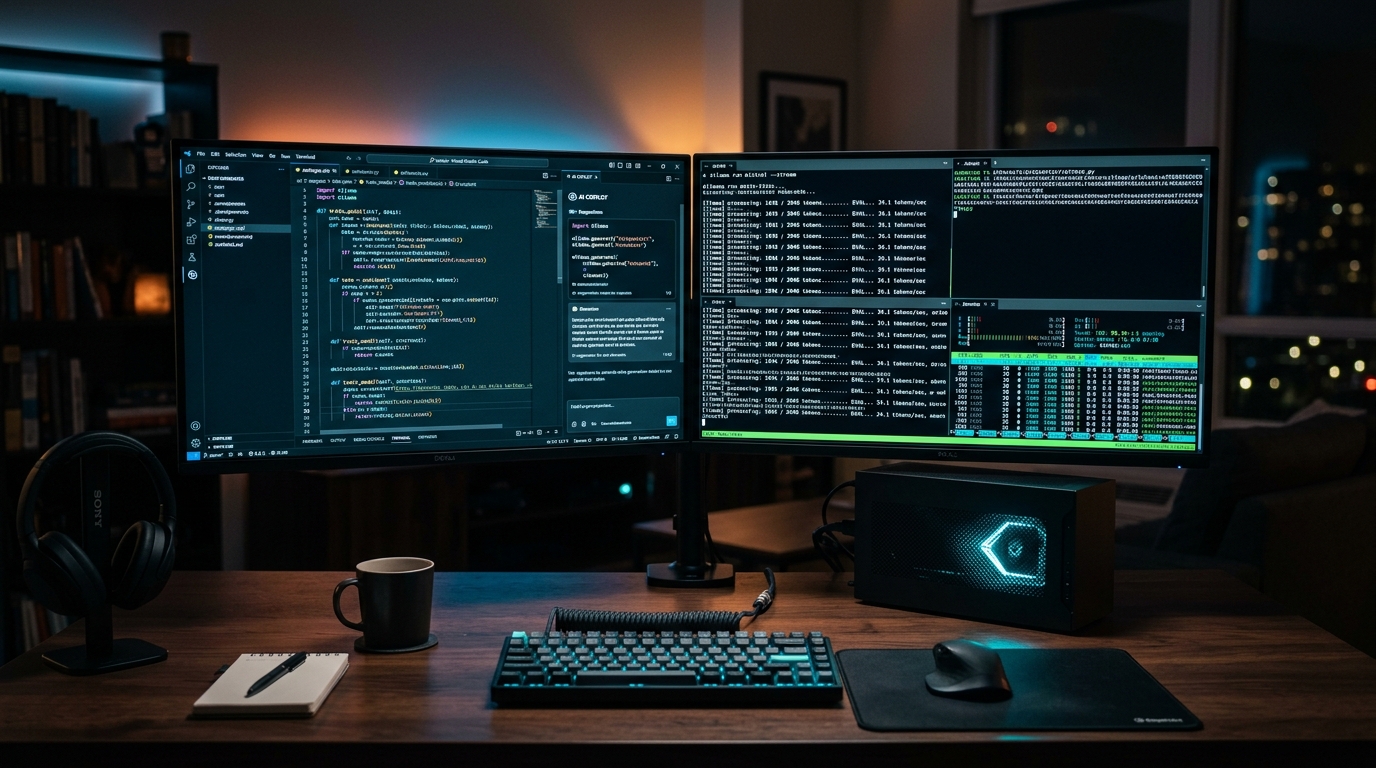
For professional software engineers, DevOps architects, and enterprise teams handling proprietary codebases, cloud-hosted AI coding assistants (such as GitHub Copilot or Cursor) present ongoing compliance, IP leak, and subscription cost concerns. In 2026, the open-source AI ecosystem has closed the performance gap: Running Qwen 2.5 Coder 32B or DeepSeek-Coder locally through Continue.dev and Ollama delivers sub-second tab completions and repository-wide context directly from your own GPU with zero telemetry.
- Zero Cloud Telemetry: 100% of your source code, environment variables, and proprietary API keys remain on local silicon.
- The 32B Benchmark Sweet Spot: Qwen 2.5 Coder 32B (Q4_K_M) scores 92.7% on HumanEval, rivaling proprietary GPT-4o coding benchmarks on a single 24GB GPU.
- Dual-Model Architecture: Use an ultra-fast 1.5B/7B model for instant inline tab-completions (<50ms) and a deep 32B/70B model for complex sidebar chat refactoring.
As covered across our local AI infrastructure guides on picking the right LLM quantization formats, serving high-throughput models with vLLM, and running 70B models on dual 24GB GPUs, local developer environments have reached full production parity with commercial SaaS.
1. The Optimal Two-Model Stack: Autocomplete vs. Chat
The secret to a frictionless local AI coding setup is splitting responsibilities between two specialized models inside Continue.dev:
- Tab-Autocomplete Model (Small & Fast): For typing completions, latency is everything. If a completion takes more than 100ms, it interrupts your typing rhythm. We recommend
qwen2.5-coder:1.5b-baseorqwen2.5-coder:7b-baserunning via Ollama’s native FIM (Fill-in-the-Middle) endpoint. - Chat & Edit Model (Large & Deep): For multi-file refactoring, generating unit tests, and debugging complex logic, deploy
qwen2.5-coder:32b-instruct-q4_K_M(requires ~20GB VRAM) ordeepseek-coder-v2:16b(requires ~10GB VRAM).
2. Hardware & Performance Benchmark Comparison
Local Coding AI Performance Across Consumer Hardware (2026 Benchmarks)
| Hardware Setup | Chat Model (VRAM Req.) | Autocomplete Latency | Generation Speed (Tokens/s) |
|---|---|---|---|
| 1x RTX 4090 / 3090 (24GB VRAM) | Qwen 2.5 Coder 32B (Q4_K_M / 20.2GB) | 38 ms (Instant) | 52 tokens/sec |
| 1x RTX 5070 Ti / 4070 Ti (16GB VRAM) | Qwen 2.5 Coder 14B (Q5_K_M / 11.8GB) | 44 ms (Instant) | 68 tokens/sec |
| Apple M3/M4 Max (64GB+ Unified RAM) | Qwen 2.5 Coder 32B (Q8_0 / 34.5GB) | 72 ms (Smooth) | 36 tokens/sec |
| Mid-Range GPU (RTX 4060 8GB / CPU) | Qwen 2.5 Coder 7B (Q4_K_M / 5.2GB) | 110 ms (Acceptable) | 24 tokens/sec |
3. Step-by-Step Installation in VS Code
- Install Ollama: Download from
ollama.comand pull your models:ollama pull qwen2.5-coder:32b ollama pull qwen2.5-coder:7b-base - Install Continue Extension: Search for
Continuein the VS Code Marketplace. - Configure
config.json: Setqwen2.5-coder:32bas your primary chat model andqwen2.5-coder:7b-baseundertabAutocompleteModel. - Enable Codebase Indexing: Type
@codebasein the Continue sidebar to let LanceDB build a local vector index of your repository for full multi-file RAG awareness.
People Also Ask
Is local AI coding as good as GitHub Copilot in 2026?
Yes. State-of-the-art open models like Qwen 2.5 Coder 32B match or exceed standard GitHub Copilot on HumanEval and MBPP coding benchmarks, with the added benefit of zero privacy risks and zero monthly fees.
How much VRAM do you need for a local AI coding assistant?
For 7B parameter models, 8GB VRAM is sufficient. For top-tier 32B models (Qwen 2.5 Coder 32B), a 16GB or 24GB GPU (RTX 4070 Ti Super, 3090, 4090, 5070 Ti) is recommended.
Can Continue.dev search across my entire codebase?
Yes. Continue includes native @codebase indexing that creates local embeddings of all files in your workspace, allowing the local AI to understand cross-file dependencies and imports.