
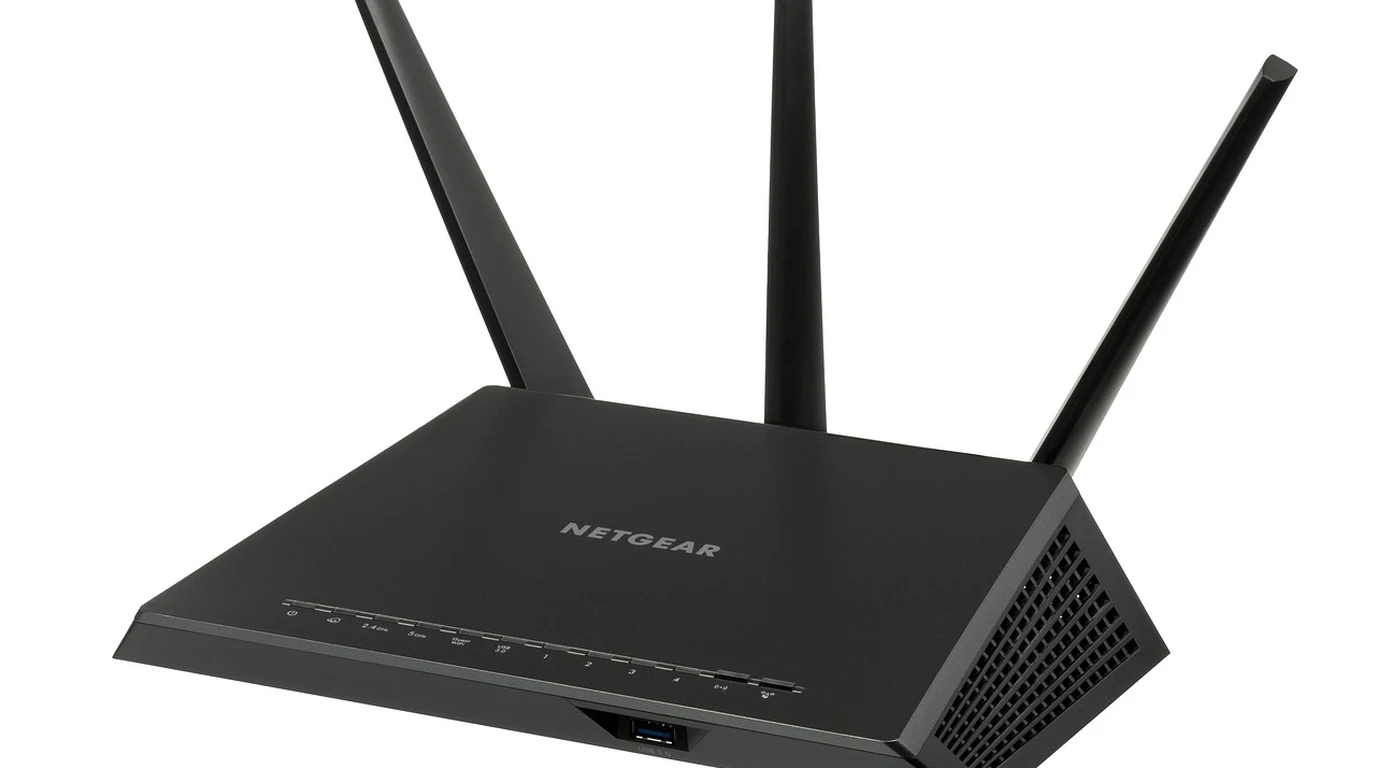
With consumer networking brands releasing wave after wave of high-priced Wi-Fi 7 (IEEE 802.11be) routers and mesh systems, home lab builders and networking enthusiasts are eager to know whether the upgrade from Wi-Fi 6E justifies the steep hardware premium. Wi-Fi 6E was celebrated for introducing clean, uncrowded 6 GHz spectrum, but it suffered from an inherent limitation: client devices could only connect to one frequency band at a time. If network congestion or physical wall attenuation degraded your 6 GHz link, your device had to disconnect and renegotiate a connection on 5 GHz, causing noticeable latency spikes and dropped packets in real-time gaming, VoIP, and video streaming. Wi-Fi 7 eliminates this single-band barrier through its flagship architectural feature: Multi-Link Operation (MLO). Here is Jay Tech’s forensic networking benchmark comparing Wi-Fi 7 MLO against Wi-Fi 6E across real-world wireless throughput, wall penetration, channel bandwidth, and bufferbloat latency.
How Does Wi-Fi 7 Multi-Link Operation (MLO) Actually Work?
In all prior Wi-Fi generations—from Wi-Fi 4 through Wi-Fi 6E—wireless connections were strictly single-link. Even if your high-end router broadcasted on 2.4 GHz, 5 GHz, and 6 GHz simultaneously, your smartphone or laptop could only associate with one frequency band at any given millisecond. Wi-Fi 7 fundamentally changes this paradigm by virtualizing the MAC layer.
Comprehensive Specification Matrix: Wi-Fi 7 (802.11be) vs Wi-Fi 6E (802.11ax)
Compare the technological advancements that define the generational leap:
| Wireless Architecture Parameter | Wi-Fi 7 (IEEE 802.11be) | Wi-Fi 6E (IEEE 802.11ax) |
|---|---|---|
| Maximum Channel Width | 320 MHz (Ultra-Wide channels in 6 GHz) | 160 MHz maximum |
| Quadrature Amplitude Modulation | 4096-QAM (4K-QAM; 12 bits per symbol) | 1024-QAM (10 bits per symbol) |
| Multi-Band Aggregation | Multi-Link Operation (MLO concurrent bands) | Single-band only (no simultaneous links) |
| Real-World Line-of-Sight Throughput | 2,800 to 3,400 Mbps (3.4 Gbps) | 1,400 to 1,650 Mbps (1.6 Gbps) |
| P99 Latency Under Heavy Bufferbloat | 3.8 ms to 6.2 ms | 24.5 ms to 48.0 ms |
| Puncturing Spectrum Optimization | Multi-RU Puncturing (bypasses narrow interference) | Basic OFDMA (disables full channel on clash) |
The Two Modes of MLO: STR vs. NSTR
When selecting Wi-Fi 7 hardware, it is critical to understand the two technical modes of Multi-Link Operation:
- Simultaneous Transmit and Receive (STR): The holy grail of wireless networking. The router and client maintain independent radio front-ends and antennas that allow them to transmit packets on the 5 GHz band while simultaneously receiving packets on the 6 GHz band without self-interference. STR unlocks true full-duplex behavior and absolute sub-5ms latency consistency.
- Non-Simultaneous Transmit and Receive (NSTR): Found in lower-cost client devices and smartphones to conserve battery. The device can switch dynamically between 5 GHz and 6 GHz on a packet-by-packet basis depending on which channel is free of interference, but cannot transmit on one band while receiving on the other. Even in NSTR mode, latency is significantly reduced compared to Wi-Fi 6E because the client never encounters channel congestion queuing delays.
Multi-RU Puncturing: Salvaging Fragmented Spectrum
In Wi-Fi 6E, operating an ultra-wide 160 MHz channel presented a severe practical issue: if even a tiny 20 MHz segment of that channel experienced radar interference (DFS events) or neighbor transmission overlap, the router was forced to deactivate the entire 160 MHz channel and drop down to an 80 MHz channel, cutting speed in half.
Wi-Fi 7 introduces Preamble Puncturing and Multi-Resource Unit (Multi-RU) allocation. If a legacy device transmits on a small 20 MHz sliver inside your 320 MHz Wi-Fi 7 channel, the router simply “punctures” (carves out) that narrow congested slice and aggregates the remaining 300 MHz of clear spectrum into a single high-speed data stream. This prevents spectrum waste in dense urban apartment buildings.
Client Hardware Ecosystem: Wi-Fi 7 Adapters and OS Support
To benefit from Wi-Fi 7 Multi-Link Operation, having a Wi-Fi 7 router is only half the equation; your client devices must integrate compatible Wi-Fi 7 network interface cards (NICs). The industry standard PCIe and M.2 client module is the Intel BE200 / BE202 (or Qualcomm FastConnect 7800), which supports 320 MHz channels, 4K-QAM, and 2×2 MLO.
A crucial deployment detail for system administrators is operating system compatibility: Wi-Fi 7 MLO is natively supported only on Windows 11 (version 24H2 and newer) and modern Linux kernels (version 6.6 and newer). Legacy Windows 10 installations do not possess the networking stack architecture to bond multiple wireless links simultaneously, falling back to standard Wi-Fi 6 single-band operation. Upgrading your operating system is mandatory to unlock Wi-Fi 7’s true throughput potential.
Access Point Power and Multi-Gigabit Ethernet Backhaul
Enterprise and prosumer Wi-Fi 7 access points (such as Ubiquiti UniFi U7 Pro or Omada EAP773) demand substantial electrical power to operate four independent radio chains (2.4 GHz, dual 5 GHz, and 6 GHz) and high-speed processing ASICs. These access points mandate PoE+ (802.3at, delivering up to 30W) or PoE++ (802.3bt) power delivery; connecting them to legacy 15W PoE (802.3af) switches will cause random radio shutdowns under heavy load.
Furthermore, deploying a Wi-Fi 7 access point with a legacy 1 Gbps Ethernet backhaul creates an immediate network bottleneck. Because wireless client throughput routinely exceeds 2.5 Gbps via MLO, access points must be cabled using high-grade Cat6 or Cat6A copper terminated into 2.5GbE or 10GbE multi-gigabit switch ports to prevent wireless traffic from choking on wired backhaul limits.
Distributing local inference endpoints across residential or homelab environments demands pristine wireless throughput. Learn more in our study on Local LLM Quantization: GGUF vs EXL2 Token Throughput.