
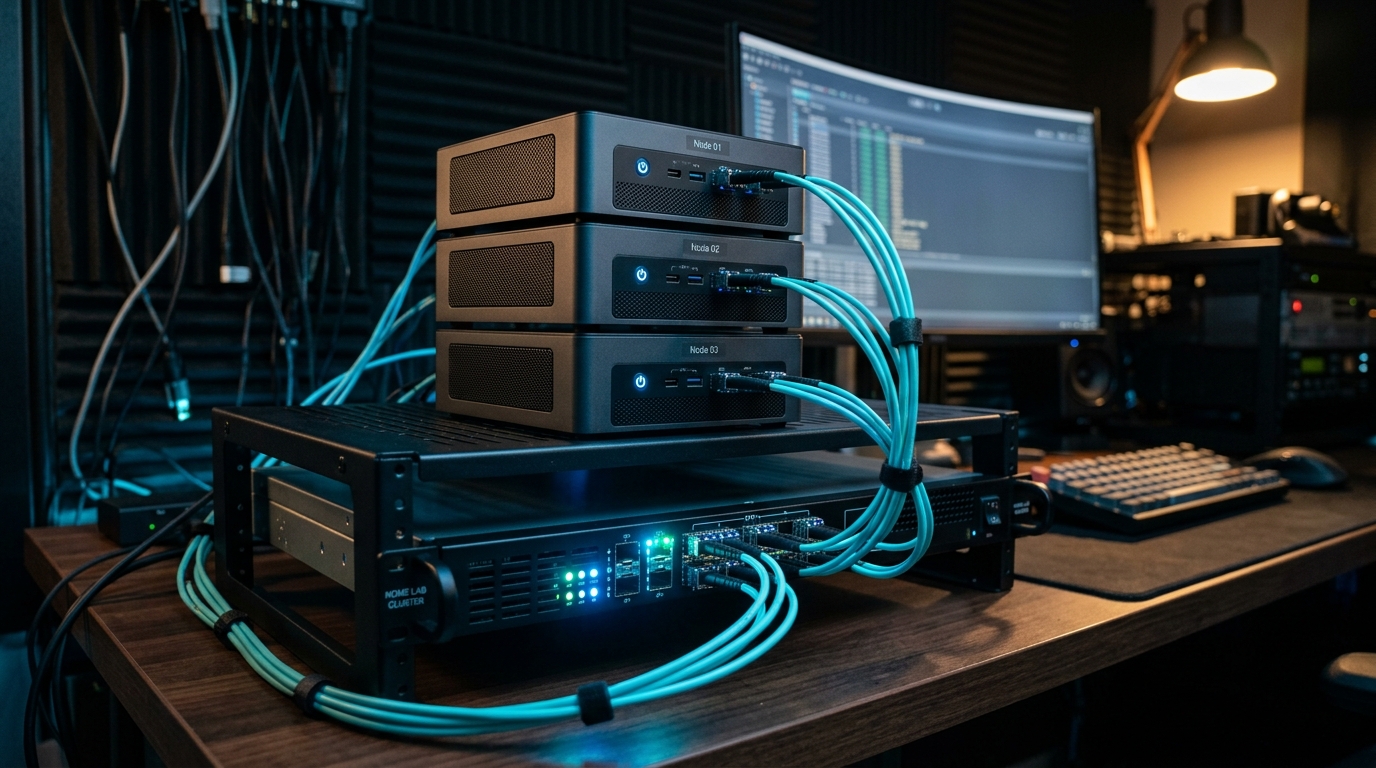
Building a multi-node Proxmox VE 9.x cluster is one of the most rewarding milestones for any home lab enthusiast or systems engineer. However, the moment you transition from a single hypervisor to a 3-node high-availability (HA) cluster, you encounter the fundamental storage architecture fork in the road: Ceph Distributed Object Storage vs. Local ZFS with Storage Replication (pvesr). Choosing the wrong storage fabric can lead to crippling write amplification, sluggish VM response times, and catastrophic cluster fencing during network hiccups.
- Ceph on ZFS Anti-Pattern: You must never format Ceph OSD drives with ZFS. Layering BlueStore on ZFS triggers catastrophic double-journaling and write amplification. Ceph requires dedicated raw, unformatted NVMe or SATA disks.
- Network Threshold: Ceph requires synchronous multi-node write confirmations. Running Ceph over 1GbE/2.5GbE results in high latency penalties; dedicated 10GbE SFP+ interconnects (MTU 9000) are mandatory.
- ZFS Replication Sweet Spot: For 2-node or 3-node budget clusters without 10GbE networking, local ZFS pools with scheduled 1-minute
pvesrreplication deliver superior raw disk IOPS with zero network write latency.
Can You Run Ceph on ZFS in Proxmox VE? Why You Must Use Raw Disks
No. You should never run Ceph OSDs on top of a ZFS pool in Proxmox VE. Layering Ceph on ZFS causes catastrophic write amplification, massive memory exhaustion (Ceph BlueStore and ZFS ARC fighting for host RAM), and severe double-journaling performance penalties. Ceph BlueStore requires direct, raw access to unformatted NVMe or SATA block devices.
In early versions of Ceph (FileStore), administrators occasionally experimented with underlying filesystems like XFS or ZFS. However, modern Ceph in Proxmox VE 8 and 9 uses BlueStore as its default storage engine. BlueStore was explicitly engineered to bypass Linux VFS filesystem overhead, writing directly to raw block storage devices while managing its own internal RocksDB database for metadata and WAL (Write-Ahead Logging).
If you attempt to provision a Ceph OSD inside a ZFS dataset, every single VM write is written first to Ceph’s BlueStore log, then written to ZFS’s ZIL (ZFS Intent Log), and then committed to disk. This can inflate write amplification beyond 8x–12x, rapidly burning through consumer SSD write endurance (TBW) and degrading cluster I/O performance.
Ceph vs. ZFS on Proxmox VE: When to Choose Distributed vs. Local Storage
Choose Ceph when clustering three or more Proxmox nodes connected by dedicated 10GbE networking requiring instantaneous zero-downtime high-availability failover. Choose ZFS local pools with scheduled pvesr replication for single nodes or budget multi-node labs running on 1GbE/2.5GbE where maximum raw NVMe disk throughput and low RAM overhead take priority.
| Architecture Dimension | Ceph Distributed (RADOS / RBD) | Local ZFS + pvesr Replication |
|---|---|---|
| Minimum Recommended Nodes | 3 Nodes (Quorum & CRUSH size=3) | 1 Node (2+ for replication) |
| Network Requirement | 10GbE SFP+ Dedicated Mesh / Switch | 1GbE / 2.5GbE Standard NICs |
| Failover Recovery Time (HA) | Instantaneous (<5s VM boot) | 1–15 min (Rolls back to last snapshot) |
| Raw Single-Thread Disk IOPS | Moderate (Network latency bound) | Maximum (Bare-metal NVMe PCIe speeds) |
| RAM Overhead per Node | High (~2GB–4GB per OSD daemon) | Moderate (ZFS ARC cache configurable) |
Ceph vs. CephFS vs. VMware vSAN Architecture
When engineers evaluate Ceph, terminology often causes confusion:
- Ceph RBD (Rados Block Device): The default block storage used for Proxmox VM virtual disks. High performance, thin-provisioned, and direct integration with QEMU/KVM.
- CephFS: A POSIX-compliant distributed filesystem layered on top of Ceph. Ideal for sharing files across multiple LXC containers or Kubernetes persistent volumes simultaneously.
- VMware vSAN vs. Ceph: While Broadcom’s vSAN requires costly enterprise licensing and proprietary hardware-compatibility certification, Ceph is 100% open-source, vendor-neutral, and natively integrated into Proxmox VE without artificial licensing tiers.
Frequently Asked Questions: Proxmox Ceph vs. ZFS Architecture
Can you run Ceph on ZFS?
No. You should never run Ceph OSDs on top of ZFS in Proxmox. Doing so causes severe write amplification, double-journaling penalties, and memory exhaustion between BlueStore and the ZFS ARC. Ceph BlueStore requires direct raw block devices.
What is the difference between Ceph and ZFS on Proxmox?
Ceph is a distributed, multi-node shared storage cluster that writes data synchronously across multiple nodes for instant high-availability failover. ZFS is a single-node local filesystem that relies on scheduled asynchronous snapshot replication (pvesr) to sync VM disks across nodes.
What is the difference between Ceph and CephFS?
Ceph is the underlying distributed storage cluster providing raw block devices (RBD) for VM disks. CephFS is a POSIX-compliant distributed filesystem built on top of Ceph that allows multiple nodes and containers to read and write to the same shared directory concurrently.
Is Ceph better than VMware vSAN?
Ceph matches or exceeds VMware vSAN in fault tolerance and horizontal scalability while eliminating Broadcom’s exorbitant subscription licensing fees and vendor lock-in. Ceph runs on consumer and enterprise hardware alike.
Can you run Ceph on a 1Gbps network?
While technically possible for testing, running Ceph on 1Gbps or 2.5Gbps networks creates crippling write latency spikes exceeding 50ms. A dedicated 10GbE network is strongly recommended for production clusters.