
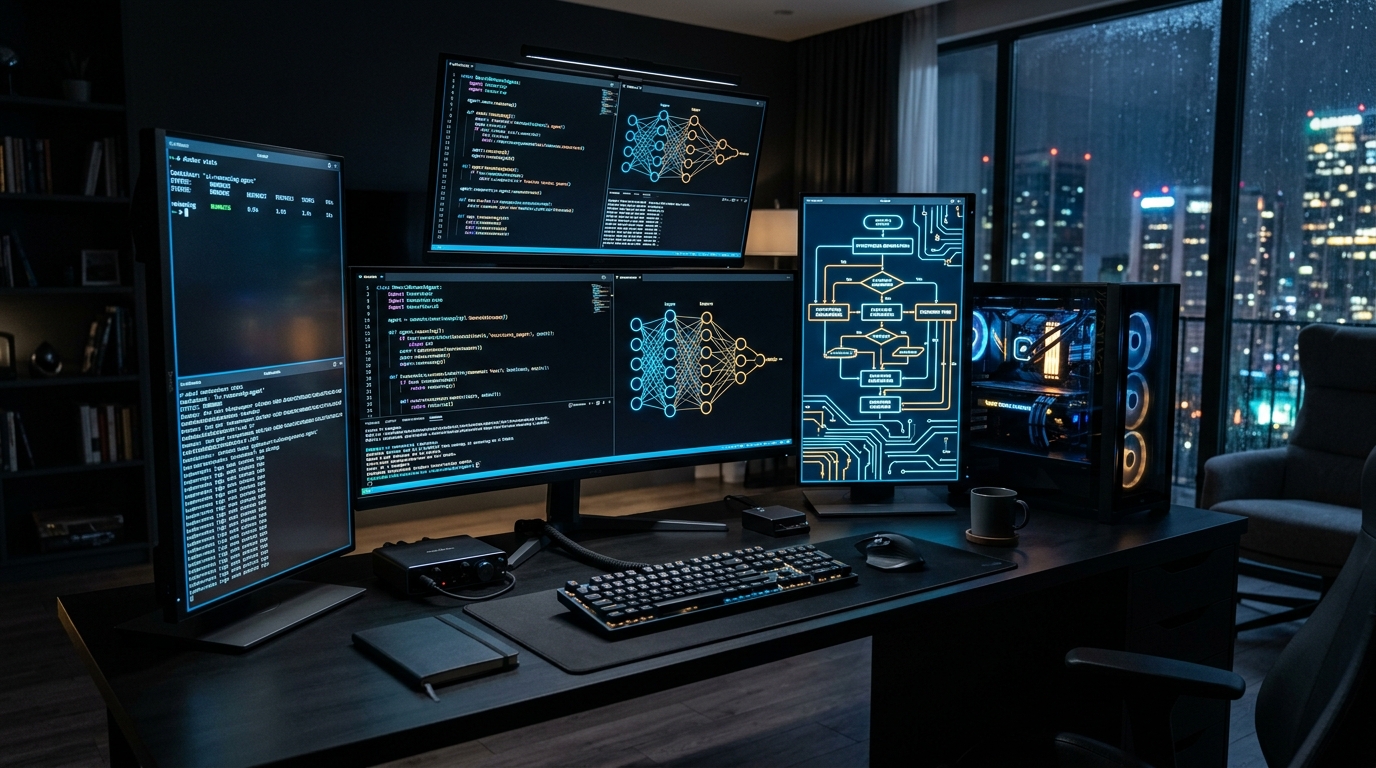
The open-source artificial intelligence ecosystem underwent a seismic paradigm shift in 2026. With the release of DeepSeek-R1—a frontier open-weights reasoning model matching the multi-step chain-of-thought (CoT) problem-solving of proprietary cloud models—developers and home lab engineers are no longer tethered to $20/month cloud API subscriptions. As detailed in our breakdown of the best GPUs for DeepSeek and local reasoning, running raw LLM inference is only half the battle. The true frontier of local computing is transforming raw reasoning weights into autonomous local AI agents capable of executing terminal commands, scraping web research, and manipulating local file systems.
- GPU Selection Matrix: Best GPUs for DeepSeek-V3 & Local Reasoning (2026 VRAM Calculator)
- 70B Dual-Card Builds: Dual RTX 3090 (48GB) vs. RTX 4090: VRAM Pooling & Tokens/Sec Benchmarks
- Real-Time Voice Pipeline: Sub-500ms Local Voice AI with Whisper, Ollama & Piper (2026 Blueprint)
- GPU Selection Matrix: Best GPUs for DeepSeek-V3 & Local Reasoning (2026 VRAM Calculator)
- 70B Dual-Card Builds: Dual RTX 3090 (48GB) vs. RTX 4090: VRAM Pooling & Tokens/Sec Benchmarks
- Real-Time Voice Pipeline: Sub-500ms Local Voice AI with Whisper, Ollama & Piper (2026 Blueprint)
How to Build Autonomous Local AI Agents with DeepSeek-R1, Ollama & Open WebUI (2026 Pipeline)
Building an autonomous local AI agent in 2026 requires a three-tier stack: Ollama for model runtime execution, Open WebUI for orchestration and tool-calling interfaces, and SearXNG for self-hosted, private web grounding. By binding DeepSeek-R1’s chain-of-thought reasoning to local Python code execution containers, agents can autonomously browse, execute shell scripts, and synthesize documents with zero external API fees or telemetry leaks.
Building autonomous local agents with DeepSeek-R1 is only the foundation—designing the interactive frontend and human-in-the-loop interfaces to steer these models requires specialized agentic UX architecture. Read our strategic teardown on BuiltUX: The Post-Figma Era: How Autonomous AI Design Agents Build Interfaces in 2026.
- Inference Engine (Ollama / vLLM): Manages model weights, KV cache memory allocation, GPU layer offloading (via CUDA or ROCm), and context window streaming.
- Orchestration & UI Layer (Open WebUI): Provides the conversational canvas, multi-agent pipelines, memory retention (RAG), and native function calling / tool execution hooks.
- Private Search Engine (SearXNG): Allows your local agent to browse the live web, synthesize current news, and verify factual claims without leaking your search queries to commercial trackers.
What Hardware Is Required to Run DeepSeek-R1 Local AI Agents? VRAM Sizing & Quantization Guide
To run DeepSeek-R1 agents with active tool execution, hardware requirements scale with model parameters: the 14B model runs comfortably on a single 16GB GPU (RTX 4080/4070 Ti Super), the 32B model requires 24GB VRAM (RTX 3090/4090), and the flagship 70B distillation requires dual 24GB GPUs (48GB total). For production agent workflows, maintain at least 4,096 tokens of KV-cache headroom to prevent context-exhaustion memory crashes.
Running multi-step reasoning locally requires choosing the correct distilled architecture for your available VRAM:
- DeepSeek-R1-Distill-Qwen-14B (Q4_K_M): Requires 10GB–12GB VRAM. Blazing fast (45+ tokens/sec on an RTX 4070 Ti Super / 3090). Perfect for rapid iterative coding and daily document parsing.
- DeepSeek-R1-Distill-Qwen-32B (Q4_K_M): Requires 20GB–22GB VRAM. Fits comfortably within a single 24GB RTX 3090, RTX 4090, or RTX 5080. Offers near-frontier logical deduction, mathematical rigor, and flawless Python script generation.
- DeepSeek-R1-Distill-Llama-70B (Q4_K_M): Requires 42GB–48GB VRAM. Requires dual RTX 3090/4090s or an Apple Silicon Mac Studio (64GB/128GB unified memory).
3. Production Docker Compose Deployment (Ubuntu 24.04 LTS)
Deploy the entire autonomous agent stack with GPU passthrough using this unified docker-compose.yml file:
version: '3.8'

services:
  ollama:
    image: ollama/ollama:latest
    container_name: ollama-core
    restart: unless-stopped
    ports:
      - "11434:11434"
    volumes:
      - ollama_storage:/root/.ollama
    deploy:
      resources:
        reservations:
          devices:
            - driver: nvidia
              count: all
              capabilities: [gpu]

  searxng:
    image: searxng/searxng:latest
    container_name: searxng-search
    restart: unless-stopped
    ports:
      - "8080:8080"
    environment:
      - SEARXNG_BASE_URL=http://localhost:8080/
    volumes:
      - searxng_config:/etc/searxng

  open-webui:
    image: ghcr.io/open-webui/open-webui:main
    container_name: open-webui-agent
    restart: unless-stopped
    ports:
      - "3000:8080"
    environment:
      - OLLAMA_BASE_URL=http://ollama:11434
      - ENABLE_RAG_WEB_SEARCH=True
      - RAG_WEB_SEARCH_ENGINE=searxng
      - SEARXNG_QUERY_URL=http://searxng:8080/search?q=&format=json
      - ENABLE_IMAGE_GENERATION=False
    volumes:
      - open_webui_data:/app/backend/data
    depends_on:
      - ollama
      - searxng

volumes:
  ollama_storage:
  searxng_config:
  open_webui_data:
4. Configuring Autonomous Tool Calling & Python Sandboxing
Once your stack is live at http://your-server-ip:3000, pull your reasoning model and configure agentic tools:
# Pull the 32B DeepSeek-R1 Distill model
docker exec -it ollama-core ollama run deepseek-r1:32b
Inside Open WebUI’s Workspace $
ightarrow$ Tools, enable the Python Code Execution Sandbox and Web Search Connector. When you prompt DeepSeek-R1 with a complex multi-stage objective (e.g., “Fetch current stock financials for three tech companies, calculate their price-to-earnings ratios in Python, and save a formatted markdown table”), the model outputs <think> step-by-step reasoning tokens, triggers the Python execution tool in an isolated sandbox container, and presents the final validated result.
DeepSeek-R1 Model Sizing & VRAM Requirement Matrix (2026)
| Model Architecture | Quantization | Minimum VRAM | Recommended Consumer Hardware |
|---|---|---|---|
| DeepSeek-R1-Distill-7B | Q4_K_M | 6 GB VRAM | RTX 3060 / 4060 (8GB) / Apple M-Series (16GB) |
| DeepSeek-R1-Distill-14B | Q4_K_M | 10 GB VRAM | RTX 4070 (12GB) / RTX 3080 (12GB) |
| DeepSeek-R1-Distill-32B | Q4_K_M | 20 GB VRAM | Single RTX 3090 / 4090 / 5080 (24GB) |
| DeepSeek-R1-Distill-70B | Q4_K_M | 42 GB VRAM | Dual RTX 3090 (48GB) / Mac Studio (64GB+) |
Building dedicated, continuous local AI nodes without burning 700W on desktop graphics cards? Explore our sister laboratory’s hardware investigations:
People Also Ask (PAA)
Can DeepSeek-R1 run locally on consumer PC hardware?
Yes. Thanks to distilled versions trained on Qwen and Llama architectures, DeepSeek-R1 models ranging from 7B to 32B parameters run seamlessly on consumer GPUs with 8GB to 24GB of VRAM using Ollama or vLLM.
What is the difference between DeepSeek-R1 and standard LLMs?
Standard LLMs output answers immediately based on next-token prediction, whereas DeepSeek-R1 utilizes reinforcement-learning chain-of-thought reasoning—breaking complex mathematical, logic, and coding tasks into explicit internal reasoning steps before generating a response.
Is Open WebUI free and open source?
Yes. Open WebUI is a 100% self-hosted, open-source AI user interface and agentic orchestrator that connects directly to local Ollama nodes and OpenAI-compatible API backends with zero licensing fees.