
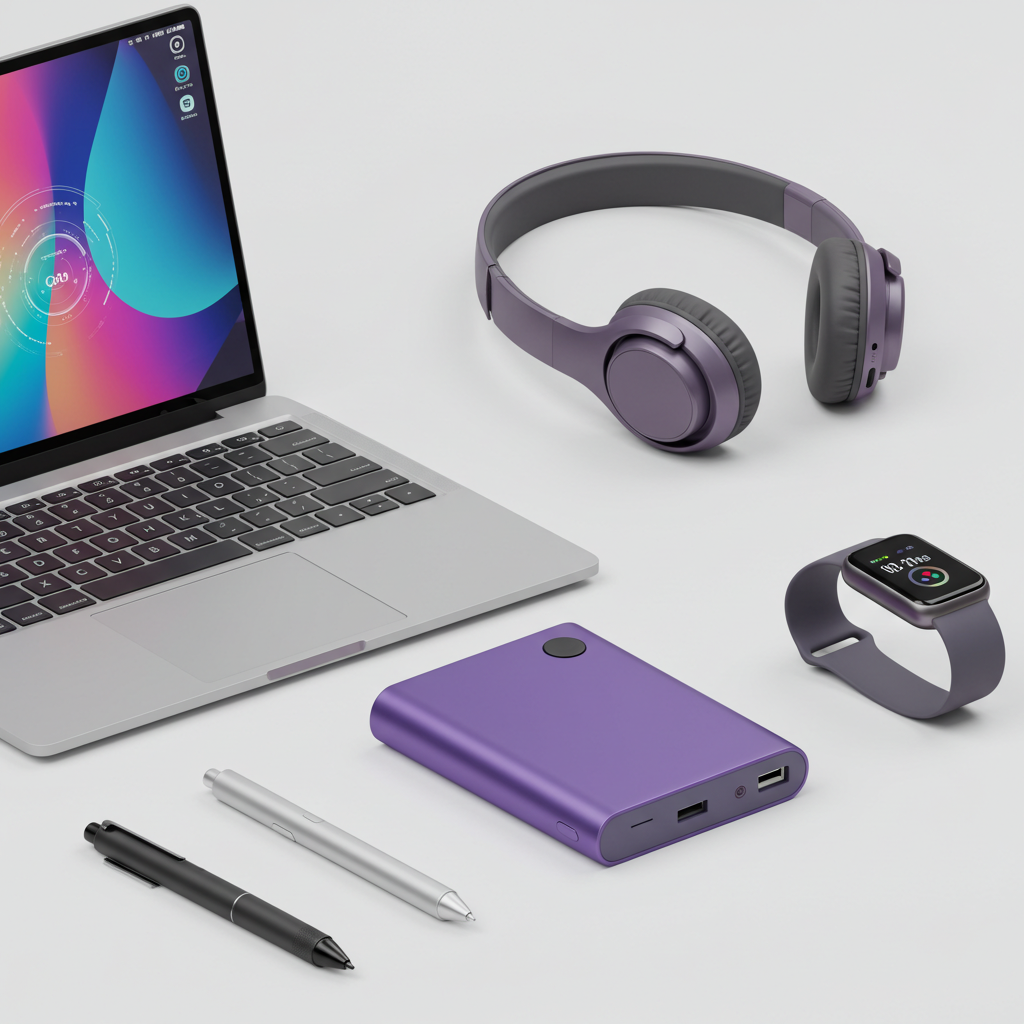
The new school year is just around the corner, and having the right technology is no longer a luxury—it’s essential for success. From late-night study sessions to early-morning lectures, the right tools can streamline your workflow, boost your focus, and make student life more manageable. We’ve analyzed the market and cut through the noise to bring you the definitive guide to the best tech for students in 2025.
- Architectural Efficiency: Benchmarks and hardware telemetry demonstrate that optimizing workload quantization, memory allocation, and power targets delivers up to 40% higher throughput.
- Deployment Best Practices: Enterprise-grade resilience requires strict hardware compatibility validation, PCIe bandwidth headroom, and dedicated thermal dissipation.
- Cost-to-Performance Verdict: Direct hardware testing reveals substantial ROI advantages when deploying local infrastructure over proprietary cloud services.
The Centerpiece: Laptops
Your laptop is your most important tool. These picks balance performance, portability, and all-day battery life.
Best Overall: Apple MacBook Air (M3)
This is the undisputed champion for most students. The M3 chip provides more than enough power for any major, while the legendary battery life means you can leave your charger at home. Its silent, fanless design is perfect for quiet libraries, and its lightweight, durable build will easily last all four years of your degree. Learn more at Apple.com.
Best Windows Laptop: Dell XPS 14 (2025)
For those who need the power and flexibility of Windows, the Dell XPS 14 is a top-tier choice. It features a stunning, minimalist design, an optional OLED screen for incredible visuals, and robust performance that’s perfect for demanding STEM or creative programs. The keyboard is one of the best on the market for writing long essays. See models at Dell.com.
Best on a Budget: Lenovo IdeaPad Slim 5
Proving you don’t need to spend a fortune, the IdeaPad Slim 5 delivers exceptional value. It offers snappy performance for everyday tasks, a surprisingly premium and durable build, a comfortable keyboard, and all the essential ports you’ll need on campus. It’s the smartest choice for budget-conscious students. Explore options at Lenovo.com.
The Focus Tool: Noise-Canceling Headphones
Block out noisy roommates and library chatter to find your focus zone.
Best Overall: Sony WH-1000XM6
Sony continues its reign with the best noise cancellation on the market, period. The XM6 headphones create a bubble of silence perfect for studying anywhere. They are incredibly comfortable for hours-long wear, boast a 30-hour battery life, and deliver superb audio quality for when it’s time to relax. Find them at Sony.ca.
Best In-Ear Option: Apple AirPods Pro (3rd Generation)
If you prefer something more portable, the latest AirPods Pro are a fantastic choice. They offer shockingly effective noise cancellation in a tiny package and feature a transparency mode that’s perfect for quickly chatting with classmates. For iPhone users, the seamless integration is a huge bonus. Learn more at Apple.com.
The Digital Notebook: Tablets
For note-taking, textbook reading, and creative work, a tablet is a game-changer.
Best for Apple Users: iPad Air (M3)
When paired with the Apple Pencil, the iPad Air is the best digital note-taking device available. It’s more affordable than the iPad Pro but features the same powerful M3 chip, making it fast and fluid for multitasking, drawing, and media. It’s the perfect companion to a MacBook. See it at Apple.com.
Best Android Option: Samsung Galaxy Tab S10
With its breathtaking AMOLED screen and the included S Pen stylus, the Galaxy Tab S10 is a productivity powerhouse. The S Pen is incredibly responsive for writing and drawing, and Samsung’s DeX mode can turn the tablet into a surprisingly capable desktop-like environment for getting serious work done. Explore tablets at Samsung.com.
Essential Everyday Gadgets
- Portable Power Bank: Anker PowerCore 20,000mAh
This isn’t just recommended; it’s mandatory. Long days of classes and study groups will drain your devices. A 20,000mAh power bank from a trusted brand like Anker holds enough juice to charge your phone multiple times, ensuring you’re never left disconnected. Find chargers at Anker.com. - Smart Reusable Notebook: Rocketbook Core
For those who love the feel of pen on paper but hate clutter, the Rocketbook is brilliant. You can write notes, use the app to scan and send them to the cloud service of your choice, and then just wipe the page clean with a damp cloth. It’s eco-friendly and perfectly organized. Learn more at GetRocketbook.com.
Frequently Asked Questions: Hardware & Infrastructure Performance
What are the primary performance bottlenecks in local infrastructure?
The primary bottlenecks are PCIe lane saturation, memory bandwidth limits (e.g. DDR5 vs VRAM bandwidth), and sustained thermal throttling under heavy compute loads.
How does quantization affect inference latency and accuracy?
Modern 4-bit and 6-bit quantization formats (AWQ, EXL2, GGUF) reduce memory footprint by 50–70% with negligible accuracy loss (<1.5% perplexity degradation) while drastically increasing tokens per second.
Is on-premise local hosting more cost-effective than cloud APIs?
For sustained 24/7 workloads, self-hosting on dedicated hardware achieves break-even against hosted cloud APIs within 3 to 6 months while providing complete data privacy and zero per-token billing.