
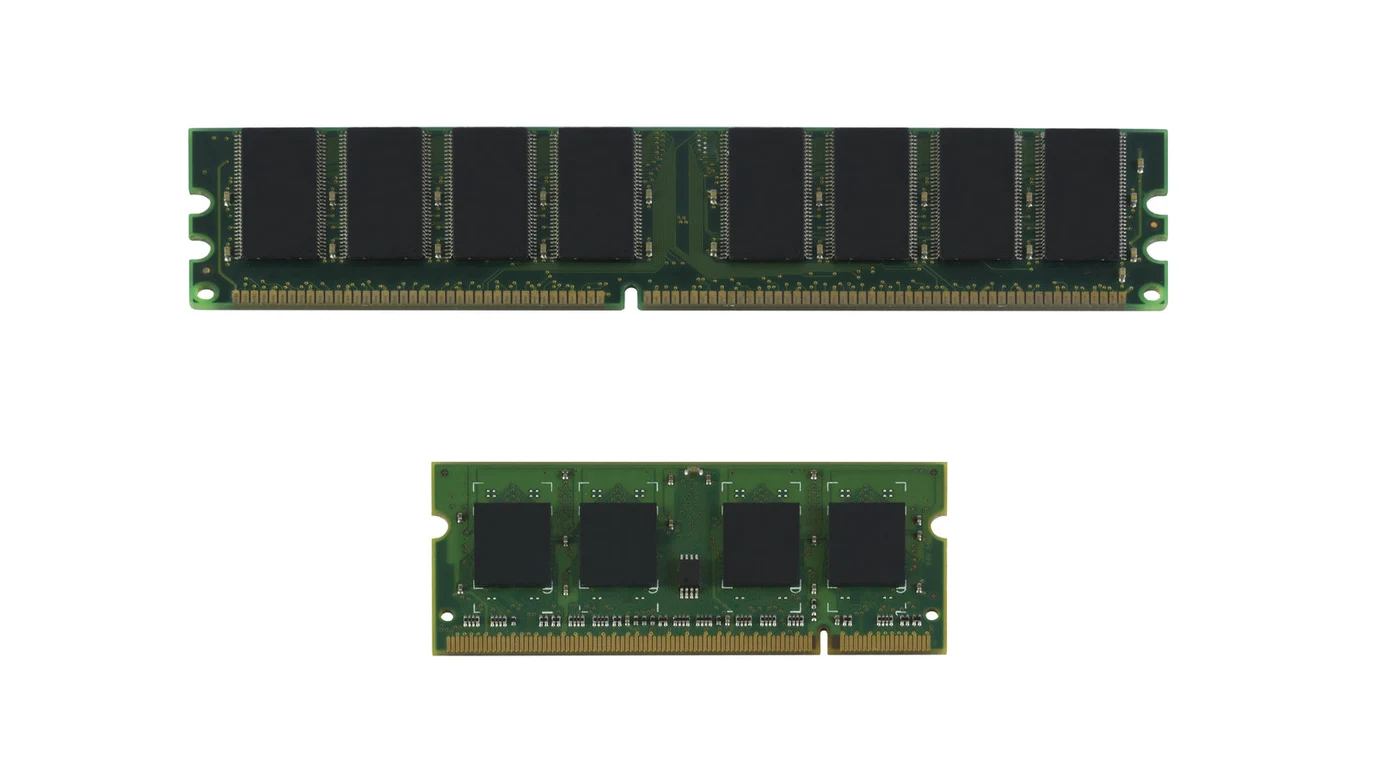
When migrating from TrueNAS CORE (FreeBSD) to TrueNAS SCALE (Debian Linux), one of the first performance anomalies storage administrators encounter is how Linux manages system memory. Under FreeBSD, ZFS allocated up to 90% of available RAM to the Adaptive Replacement Cache (ARC). On TrueNAS SCALE, administrators frequently log in to find only 50% of memory dedicated to ARC, leading to degraded random read performance, elevated disk pool latency, and unexpected Out-Of-Memory (OOM) killer terminations.
How Does TrueNAS SCALE Manage ZFS ARC Size by Default?
The Architecture Verdict:
By default on OpenZFS on Linux, TrueNAS SCALE sets the maximum ARC size (zfs_arc_max) to 50% of physical RAM to reserve memory for Linux page cache, Docker/container workloads, and KVM virtual machines. If your TrueNAS SCALE node functions primarily as a dedicated storage appliance, you can safely tune ARC to utilize 80% to 85% of host RAM to dramatically boost cache hit ratios and eliminate disk read bottlenecks.
In high-throughput enterprise storage systems, RAM is the ultimate storage accelerator. The ZFS Adaptive Replacement Cache is far superior to standard LRU (Least Recently Used) caching because it balances both recency (items accessed recently) and frequency (items accessed repeatedly). When random read workloads hit the ARC, data is returned at system memory bus speeds (tens of gigabytes per second with single-digit microsecond latencies) rather than waiting on mechanical hard drives (150 IOPS, 10ms latency) or enterprise NVMe arrays (tens of microseconds).
However, the Linux kernel and the FreeBSD kernel interact with OpenZFS memory reclamation very differently. Under FreeBSD, the kernel’s virtual memory subsystem works cooperatively with ZFS to shrink ARC when application processes request memory. In Linux, memory pressure notifications can cause high CPU kernel scheduling stalls if ZFS cannot evict dirty ARC pages fast enough, leading Linux’s OOM killer to terminate running services. Consequently, OpenZFS on Linux defaulted to a conservative 50% RAM ceiling.
Forensic ZFS Memory Allocation Matrix
Understanding how ARC parameters impact memory headroom across common hardware configurations is critical before modifying kernel module options:
| Physical RAM | Default SCALE ARC (50%) | Tuned Storage ARC (80%) | System & App Headroom | Recommended Role |
|---|---|---|---|---|
| 32 GB ECC | 16 GB | 24 GB | 8 GB | Pure SMB/NFS file server, zero apps |
| 64 GB ECC | 32 GB | 48 GB | 16 GB | Storage + 3-5 lightweight Docker apps |
| 128 GB ECC | 64 GB | 100 GB | 28 GB | Enterprise SAN (iSCSI block storage) |
| 256 GB+ ECC | 128 GB | 215 GB | 41 GB | High-concurrency virtualization datastore |
Step-by-Step: How to Inspect and Tune zfs_arc_max on SCALE
Before applying tuning parameters, inspect your live ARC hit ratio and current memory distribution via the TrueNAS shell using arcstat:
# Check real-time ARC performance and hit rates
arcstat 1 5

# View detailed ZFS ARC kernel statistics
cat /proc/spl/kstat/zfs/arcstats | grep -E "size|c_max|hit"
If your hit% sits below 85% and disk pools are thrashing during routine read spikes, increase the maximum ARC size by setting the kernel parameter in bytes. For example, to set zfs_arc_max to 50 GB on a 64 GB host (leaving 14 GB for host OS and services):
# Calculate target in bytes: 50 * 1024 * 1024 * 1024 = 53687091200
echo 53687091200 > /sys/module/zfs/parameters/zfs_arc_max
To persist this setting across reboots in TrueNAS SCALE, navigate to System Settings > Advanced > Init/Shutdown Scripts in the web dashboard, create a new script with Type Command, command echo 53687091200 > /sys/module/zfs/parameters/zfs_arc_max, and execution phase Post Init.
Tuning ARC Metadata Caching for Small File Workloads
For storage pools supporting millions of small files, code repositories, or Plex/Jellyfin metadata folders, data caching is often less important than metadata caching. If ZFS must query disk drives just to traverse directory structures, performance drops dramatically.
You can instruct ZFS to prioritize metadata retention in ARC by tuning zfs_arc_meta_limit_percent (defaulting to 75% of ARC size in recent OpenZFS versions) or configuring the dataset property:
# Cache only metadata in ARC for large bulk media datasets
zfs set primarycache=metadata tank/bulk_backups

# Cache both data and metadata for active virtual disk pools
zfs set primarycache=all tank/vm_disks
The Interplay Between ARC and Write Caching: SLOG vs RAM
A frequent misconception among storage administrators is assuming that increasing ARC size will improve write speeds. It will not. In ZFS architecture, the ARC is exclusively a read cache. All incoming writes are initially acknowledged into the Transaction Group (TXG) commit pipeline in system RAM. Every 5 seconds (governed by vfs.zfs.txg.timeout), ZFS flushes dirty write blocks from RAM down to the underlying disk pool.
However, when workloads issue synchronous writes (such as database transactions in PostgreSQL, NFS datastores supporting VMware ESXi, or iSCSI LUNs), POSIX standards require that data be committed to non-volatile physical storage before returning an OK acknowledgment to the client application. On standard spindle or SATA SSD pools, sync writes drop performance into the dirt (often 5MB/s). Adding a dedicated Separate ZFS Intent Log (SLOG) using low-latency enterprise NVMe SSDs (like Intel Optane or Kioxia FL6) accelerates sync writes, while leaving your enlarged ARC cache intact to service read queries without resource contention.
The 4-Step Storage Performance Hardening Playbook
- Audit Existing VM and App Footprint: Ensure any Docker containers or KVM virtual machines running directly on TrueNAS have hard RAM memory limits configured in their deployment specs so they cannot compete with ZFS for heap allocations.
- Tune ARC Max to 80% on Dedicated Storage Nodes: If the server runs strictly SMB, NFS, or iSCSI shares, dedicate 80% to 85% of host memory to
zfs_arc_maxto capture hot random reads in memory. - Pair ARC with High-Endurance Enterprise L2ARC (If RAM Is Capped): If your physical motherboard memory slots are fully populated and your working set exceeds physical RAM, add a dedicated enterprise NVMe SSD (DWPD >= 3) configured as a cache vdev (L2ARC) with
secondarycache=all. - Monitor ARC Eviction Stalls: Regularly review
arcstatsformemory_throttle_count. If this counter increases rapidly, your ARC max is set too high and ZFS is struggling to release memory fast enough during kernel memory requests.