
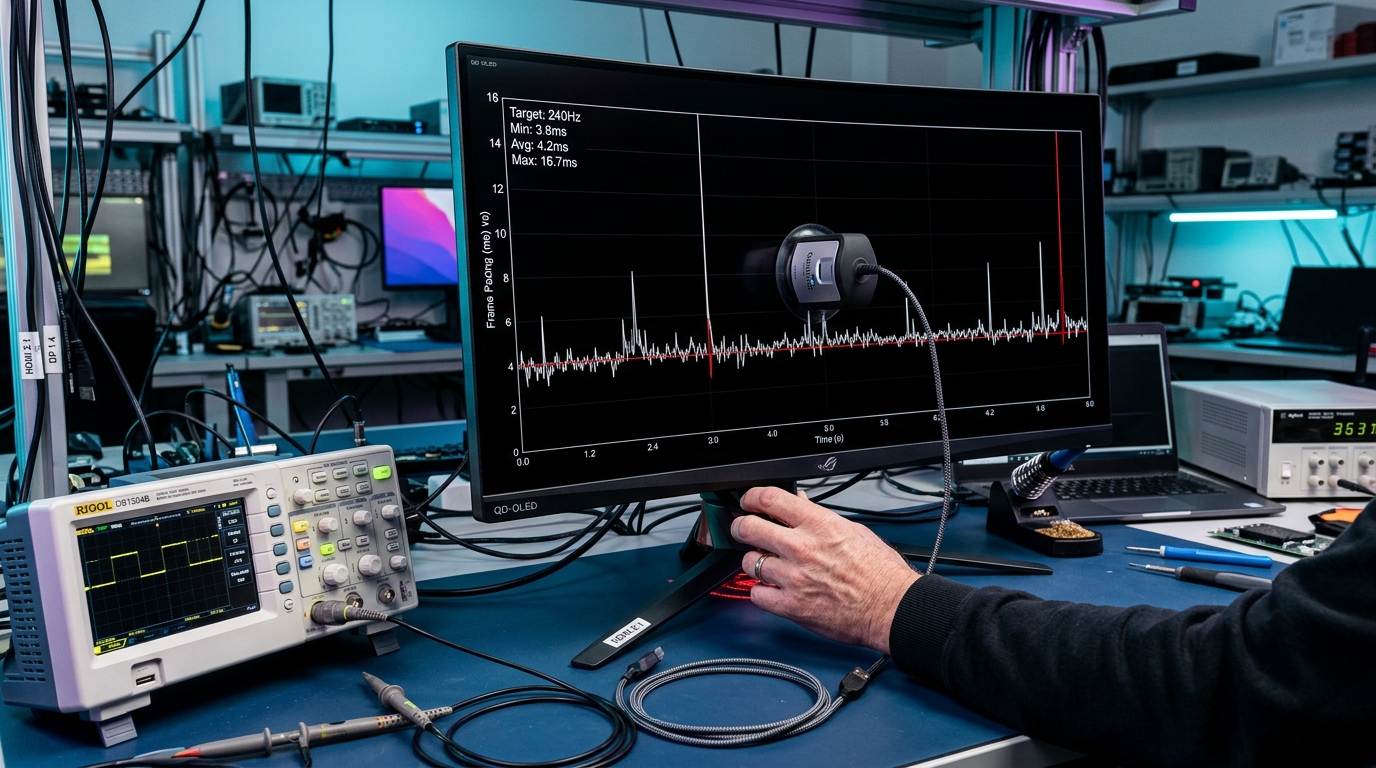
The Physics of VRR Gamma Shift: Why Self-Lit Pixels Pulse
Unlike LCD panels with continuous global or Mini-LED backlights, each OLED subpixel is an organic light-emitting diode driven by a thin-film transistor (TFT). The brightness of an OLED pixel depends directly on the electric charge accumulated across the TFT capacitance within each refresh cycle.
When a display operates at a fixed 240Hz, the charging interval is completely constant (exactly 4.16 milliseconds per frame). However, when VRR is engaged and a game stutters from 240 FPS down to 55 FPS, the refresh cycle elongates to 18.18 milliseconds. Because OLED pixel gamma curves are factory-tuned for maximum refresh rates, the extended frame time causes near-black pixels to emit excess luminance, appearing to the human eye as rapid, rhythmic brightness flicker.
To ensure your video pipeline delivers pure uncompressed signal integrity to eliminate interface stutter, see our engineering guide comparing DisplayPort 2.1 UHBR20 vs HDMI 2.1.
Forensic Comparative Matrix: VRR Behavior Across Panel Technologies
| Display Technology | VRR Flicker Severity | Primary Trigger Scenario | LFC Boundary Stability | Hardware Mitigation Option |
|---|---|---|---|---|
| QD-OLED (Samsung Gen 3) | Moderate (Noticeable near black) | Loading screens & Shader compilation | 48 Hz boundary micro-jitter | Anti-Flicker OSD Toggle / Cap FPS |
| WOLED (LG MLA Gen 2) | Moderate-High (White subpixel boost) | Dark RPG cutscenes with frame drops | 40 Hz boundary flutter | Fine Tune Dark Areas OSD Calibration |
| Fast IPS LCD (Mini-LED) | Near Zero (Stable backlight) | Extremely erratic < 30 FPS drops | Stable transition | Native G-Sync module hardware timing |
5 Proven Hardware & Software Fixes for VRR Flicker
1. Cap Frame Rates 3 FPS Below Maximum Refresh (The RTSS Protocol)
When your framerate hits the maximum ceiling of your monitor (e.g., oscillating between 238 and 242 FPS on a 240Hz display), VRR disengages and re-engages erratically, causing instant gamma jumps. Always set a global framerate cap using RivaTuner Statistics Server (RTSS) or NVIDIA App to 237 FPS on 240Hz, or 355 FPS on 360Hz.
2. Raise Minimum 1% Lows to Prevent Low Framerate Compensation (LFC)
VRR flicker is most violent when framerates oscillate around the display’s LFC threshold (typically 48 Hz). When an unoptimized PC game stutters from 65 FPS down to 42 FPS, the display abruptly doubles the refresh rate from 65 Hz to 84 Hz to prevent tearing. This instantaneous 42 Hz frequency doubling induces an intense gamma pulse. Lower aggressive ray tracing or volumetric fog settings to maintain 1% low framerates safely above 60 FPS.
3. Utilize OSD “VRR Anti-Flicker” & “Fine Tune Dark Areas”
Modern OLED monitors (such as ASUS ROG Swift and MSI MPG series) include dedicated firmware algorithms that clamp voltage modulation in near-black IRE ranges. Enabling these profiles slightly elevates absolute black by 0.002 nits, completely suppressing perceived gamma pulsing.
4. Verify Certified VESA DP80 / HDMI 2.1 48Gbps Cabling
Substandard cables cause packet retransmissions that present as intermittent black-screen drops and aggressive VRR synchronization resets. Always utilize certified ultra-high-speed cables under 2 meters in length.