
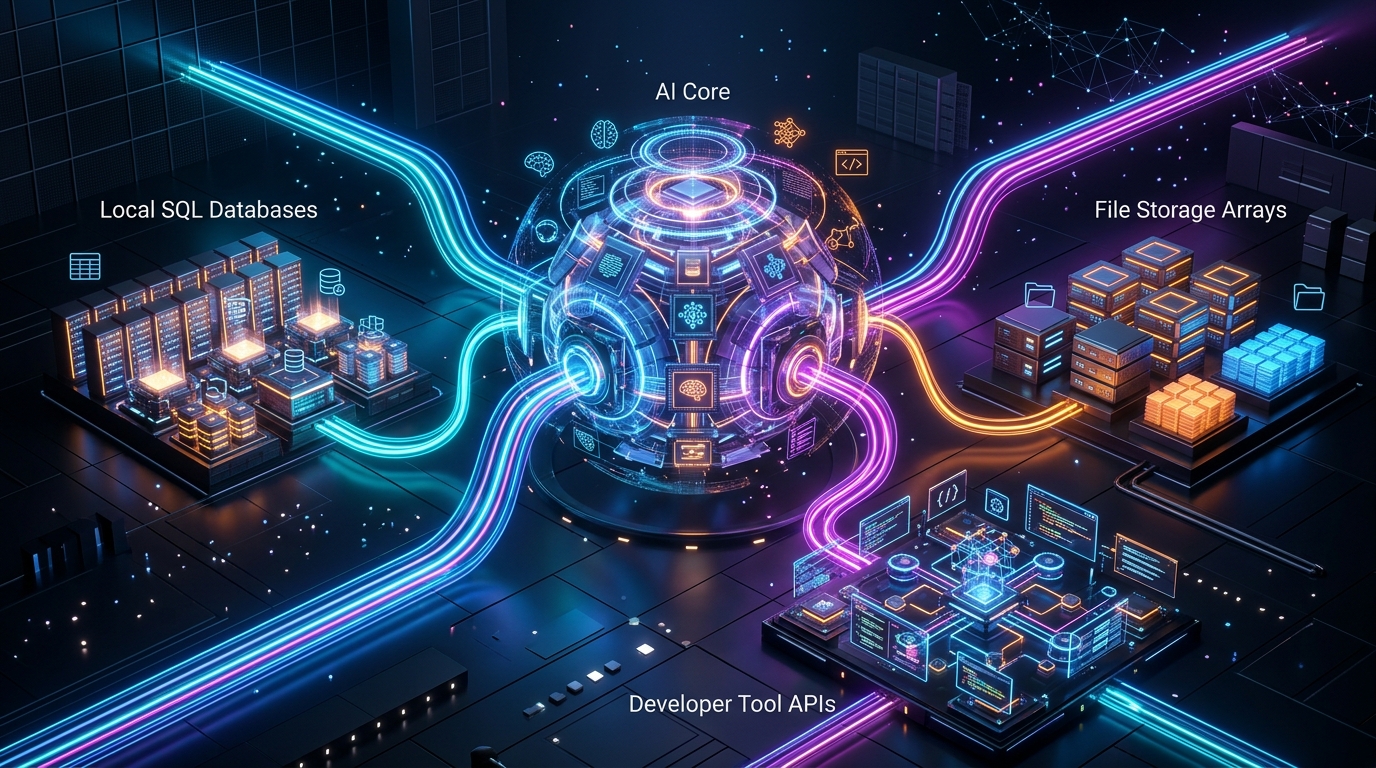
In the rapid evolution of artificial intelligence, large language models (LLMs) have evolved from isolated conversational interfaces into autonomous agentic reasoning engines capable of interacting directly with production software systems. However, until recently, connecting an LLM to external data sources required writing fragmented, custom function-calling wrappers for every database, API, and file tree. The open-source release of the Model Context Protocol (MCP) has unified AI tool integration. In 2026, MCP serves as the universal USB-C standard for AI—allowing developers to securely connect both frontier cloud models (Claude 3.7) and air-gapped local models (Ollama, DeepSeek-R1, Qwen 2.5) to PostgreSQL databases, Git repositories, filesystem tools, and terminal shells.
- Client-Host-Server Architecture: The Host (Claude Desktop, VS Code, or Open WebUI) connects to lightweight MCP Server microservices running locally via JSON-RPC over standard I/O (stdio) or Server-Sent Events (SSE).
- Dynamic Resource & Tool Discovery: MCP servers expose three core primitives: Resources (file/data streams), Prompts (structured workflows), and Tools (executable functions).
- Air-Gapped Local Privacy: When paired with local LLMs via Ollama, MCP enables 100% private querying and manipulation of internal corporate SQL databases without data ever leaving the local subnet.
The 3 Architectural Primitives of Model Context Protocol
| MCP Primitive | JSON-RPC Communication | Production Real-World Use Case |
|---|---|---|
| 1. Resources | Read-only data URI context streams | Live database schemas, application log files, Git diffs |
| 2. Tools | Executable callable functions with schema validation | Executing SQL queries, creating GitHub pull requests, bash scripts |
| 3. Prompts | Pre-templated multi-turn interaction flows | Automated code review pipelines, security vulnerability audits |
Configuring an MCP Server for Local Database Querying
Configuring an MCP server requires adding a simple JSON declaration to your AI host’s configuration file (e.g. claude_desktop_config.json or Open WebUI agent settings):
{
  "mcpServers": {
    "postgres-local": {
      "command": "npx",
      "args": [
        "-y",
        "@modelcontextprotocol/server-postgres",
        "postgresql://postgres:password@localhost:5432/production_db"
      ]
    }
  }
}
Pair MCP tooling with our workstation setups on Local AI Coding with Continue.dev & Qwen and Multi-GPU Local LLM Inference in 2026.
Frequently Asked Questions: Model Context Protocol (MCP)
Can I use MCP with open-source models in Ollama?
Yes. Open-source host interfaces like Open WebUI, LibreChat, and Cline natively support bridging local Ollama models (such as Llama 3.3, Qwen 2.5, and DeepSeek) to standard MCP server plugins.
Is MCP secure for production enterprise environments?
MCP operates with strict client-side sandboxing: all tool executions require user confirmation by default, and MCP servers run as isolated child processes with scoped filesystem and database permissions.
How does MCP differ from standard REST APIs?
Standard REST APIs require hardcoded endpoints and manually constructed payloads. MCP servers automatically publish self-documenting JSON schemas that AI models can introspect and reason over dynamically.
Model Context Protocol represents the missing connective tissue of the AI ecosystem. By standardizing tool and resource discovery across local and cloud models, MCP transforms static LLMs into truly integrated, autonomous software engineering partners.