
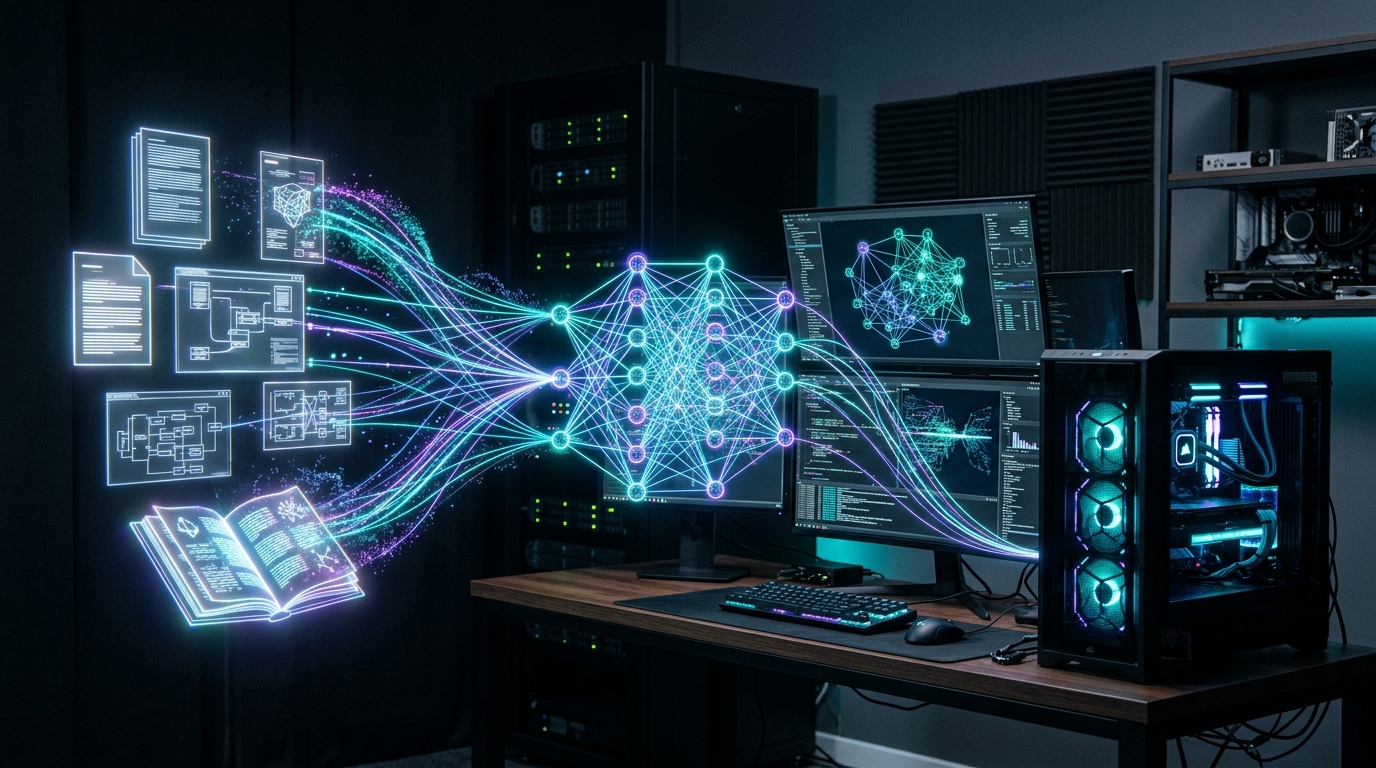
Sending confidential corporate contracts, financial spreadsheets, or proprietary codebase repositories to third-party cloud AI APIs introduces severe compliance liabilities and ongoing API billing overhead. In 2026, advances in localized vector embedding models and lightweight inference engines make air-gapped Retrieval-Augmented Generation (Local RAG) entirely viable on consumer desktop hardware. By combining Ollama, Open WebUI, or AnythingLLM with dedicated embedding models like nomic-embed-text and bge-m3, technical teams can query thousands of internal documents with sub-second retrieval latency and 100% data privacy.
- Complete Privacy Perimeter: Zero bytes of document data or user queries leave your local network. Everything runs on local CUDA/Metal compute with full air-gap compliance.
- Embedding Precision: Modern 8k context embedding models (e.g.
bge-m3andnomic-embed-text-v1.5) yield higher semantic retrieval accuracy across dense PDFs than cloud baselines. - Hardware Sweet Spot: A single 16 GB or 24 GB GPU (such as an RTX 4080, RTX 3090, or RTX 4090) can host both an 8B/14B reasoning LLM and the local vector database simultaneously with sub-50ms query latency.
The Anatomy of an Air-Gapped Local RAG Stack
A functional local RAG pipeline consists of four distinct architectural layers that execute sequentially when a user asks a question about their documentation:
- Document Ingestion & Chunking: Parsing PDFs, Markdown files, Word documents, or code files into semantic text chunks (typically 512 to 1,024 tokens with a 10% overlap).
- Vector Embedding Generation: Passing text chunks through a dedicated embedding model to convert unstructured sentences into high-dimensional floating-point vectors.
- Vector Storage & Indexing: Storing and querying high-dimensional vectors via cosine similarity or HNSW indexing (using embedded ChromaDB, LanceDB, or standalone vector stores).
- Contextual Prompt Synthesis: Injecting the top-K relevant chunks into the LLM system prompt for grounded, hallucination-free generation with citations.
| Platform / Tool | Target Audience | Vector Backend | Multi-User & RBAC |
|---|---|---|---|
| Open WebUI | Multi-user teams, ChatGPT-like interface, hybrid search | ChromaDB / Qdrant / Milvus | Full Role-Based Access Control |
| AnythingLLM | All-in-one desktop/server app with built-in document workspaces | LanceDB (Embedded) / Chroma / Pinecone | Workspace-isolated permissions |
| Ollama (CLI/API) | Underlying inference engine for LLMs & Embeddings | Direct API Serving | Local socket / Reverse proxy auth |
Step-by-Step Deployment: Setting Up Open WebUI & Ollama
To deploy an enterprise-grade local RAG workstation running entirely on Docker, follow this production deployment script:
1. Pull High-Performance Embedding and Generation Models
# Pull the generation model (Qwen 2.5 14B or Llama 3.3 8B)
ollama pull qwen2.5:14b-instruct-q4_K_M

# Pull the dedicated embedding model
ollama pull nomic-embed-text
ollama pull bge-m3
2. Launch Open WebUI with GPU Acceleration
docker run -d -p 3000:8080 --gpus=all --add-host=host.docker.internal:host-gateway -v open-webui:/app/backend/data -e OLLAMA_BASE_URL=http://host.docker.internal:11434 -e RAG_EMBEDDING_ENGINE=ollama -e RAG_EMBEDDING_MODEL=nomic-embed-text:latest -e CHUNK_SIZE=1000 -e CHUNK_OVERLAP=100 --name open-webui --restart always ghcr.io/open-webui/open-webui:cuda
Optimizing Chunking and Reranking Parameters
The secret to eliminating hallucinations in local RAG lies in the Reranking stage. Raw vector search (cosine distance) identifies semantic proximity, but may retrieve irrelevant sections containing matching keywords. Enabling a lightweight local Cross-Encoder reranker (such as bge-reranker-base) re-evaluates the top 20 candidate chunks and passes only the top 3 highest-fidelity paragraphs to your LLM.
When paired with high-throughput inference servers like vLLM or SGLang or integrated into developer workflows using Continue.dev in VS Code, local RAG delivers private, lightning-fast technical document intelligence across your entire organization.
Where to Expand Your Stack Next
Elevate your local AI infrastructure by scaling your vector engine, optimizing inference speed, and building autonomous agentic toolchains:
- Dedicated Vector Databases: Scale past 1,000,000 document vectors with our Qdrant vs. Chroma vs. Milvus Comparison.
- Boost Inference Speed: Migrate high-concurrency workloads using vLLM & SGLang Serving.
- Coding Integration: Streamline development via Local AI Coding with Continue.dev & Qwen.
Frequently Asked Questions: Local Document RAG Architecture
What is the best local RAG setup for private documents in 2026?
The most reliable local RAG architecture pairs Ollama for model serving, Open WebUI or AnythingLLM for the workspace interface, nomic-embed-text or bge-m3 for vector embeddings, and an embedded ChromaDB or LanceDB vector store.
Which embedding model is best for local RAG with Ollama?
bge-m3 and nomic-embed-text-v1.5 are the top choices. They support 8k context lengths, possess multilingual capabilities, and require under 1 GB of VRAM, delivering superior retrieval precision across dense technical documents.
How much VRAM is required to run a full local RAG pipeline?
A minimum of 12 GB VRAM is recommended to run an 8B quantized LLM alongside an embedding model. For high-speed document search across enterprise repositories with a 14B model, a 16 GB to 24 GB GPU provides the ideal balance.
Deploying local RAG has transitioned from a complex experimental pipeline into an accessible, enterprise-grade capability. Organizations managing sensitive IP can eliminate third-party cloud data exposure completely. By deploying Open WebUI backed by Ollama and nomic-embed-text on a single 16GB+ GPU workstation, you gain immediate, auditable, and air-gapped document intelligence without ongoing SaaS subscription fees.