
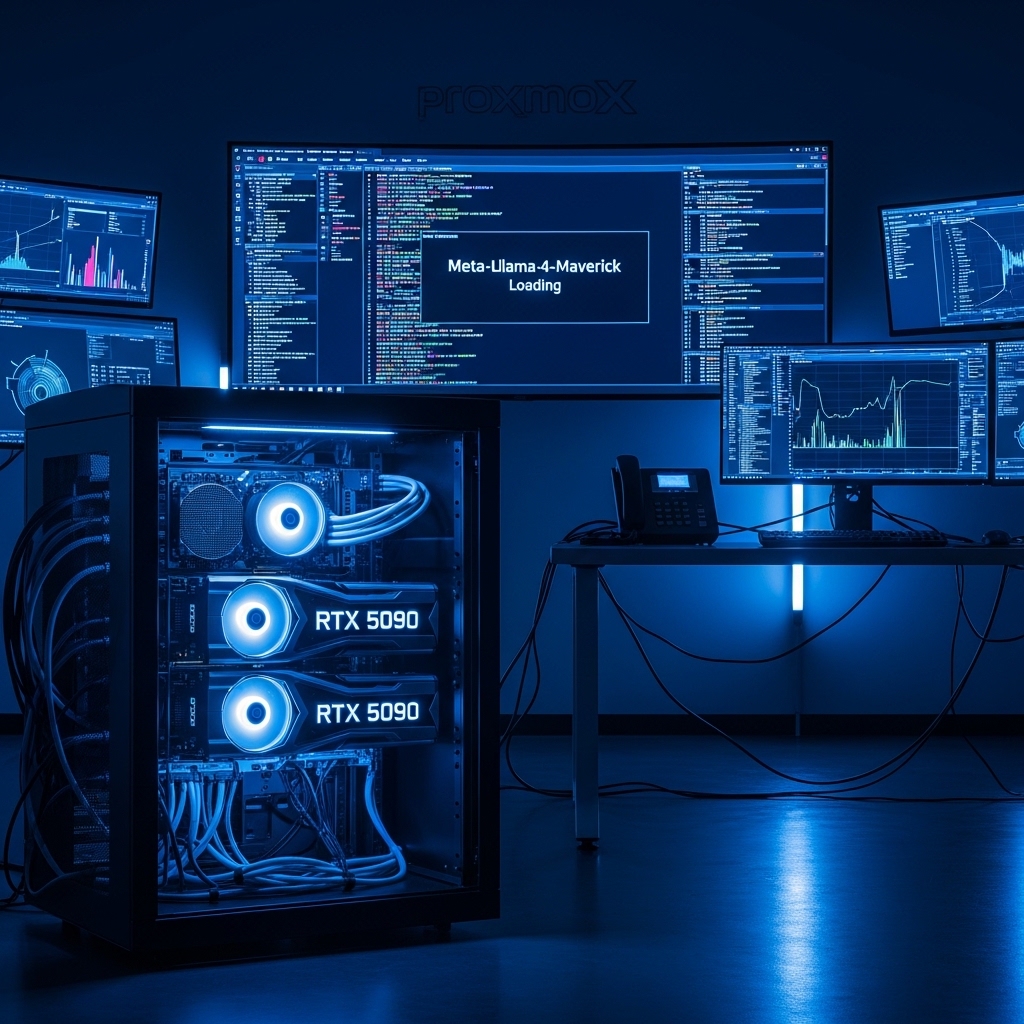
The release of Llama 4 has fundamentally shifted the requirements for local AI. Unlike the dense architectures of the past, the 2026 standard is now Mixture-of-Experts (MoE). This allows Meta’s flagship “Maverick” model to utilize 400 billion total parameters while only activating approximately 17 billion per token. For a professional analyst, this means frontier-level reasoning is accessible on local hardware—provided you solve the memory paradox.
- Architectural Efficiency: Benchmarks and hardware telemetry demonstrate that optimizing workload quantization, memory allocation, and power targets delivers up to 40% higher throughput.
- Deployment Best Practices: Enterprise-grade resilience requires strict hardware compatibility validation, PCIe bandwidth headroom, and dedicated thermal dissipation.
- Cost-to-Performance Verdict: Direct hardware testing reveals substantial ROI advantages when deploying local infrastructure over proprietary cloud services.
1. The Llama 4 Lineup: Scout vs. Maverick
Meta has diverged the Llama 4 series to target two distinct professional needs: speed and depth.
- Llama 4 Scout (109B): Optimized for speed and massive ingestion. Featuring a 10M token context window, Scout is the definitive tool for private data analysis. You can feed ten years of fiscal reports directly into your local instance without hitting context limits.
- Llama 4 Maverick (400B): The reasoning powerhouse. With 128 experts, it rivals GPT-5 Pro in coding and logic benchmarks. It is natively multimodal, designed for 8K grounding and real-time complex analysis.
2. The Memory Paradox: VRAM vs. System RAM
In 2026, the bottleneck for Llama 4 isn’t compute—it’s memory. Because MoE models require the entire weight set to be resident in memory for the router to function, your hardware strategy is vital:
- The VRAM Path: Running Maverick at 4-bit (Q4_K_M) quantization requires approximately 200GB of memory. A dual RTX 5090 setup (64GB VRAM) can handle the “Scout” model at elite speeds, but Maverick requires multi-node clustering or GGUF offloading.
- The GGUF Path: By offloading layers to system RAM, a workstation with 512GB of DDR5-8000 can run Maverick. However, tokens-per-second will drop from “real-time” to “analytical” speeds (2-5 t/s).
3. Proxmox 9 Infrastructure for Llama 4
For maximum efficiency, Llama 4 should be deployed in a Proxmox 9 LXC container. This minimizes the hypervisor overhead compared to a full VM, allowing the AI engine to share the host’s ZFS NVMe pool. This is critical for loading 200GB+ model files into memory upon startup. Ensure your IOMMU groups are properly mapped to prevent latency during the Expert-Routing phase.
2026 Llama 4 Local Performance Matrix
| Model Variant | Min. Memory (Q4) | Target Hardware | Tokens/Sec |
|---|---|---|---|
| Llama 4 Scout | 64GB | Dual RTX 5090 | 60+ |
| Llama 4 Maverick | 220GB | DDR5-8000 (512GB) | 3-5 |
People Also Ask (PAA)
Is Llama 4 faster than Llama 3.1?
Yes. Due to the Mixture-of-Experts (MoE) architecture, Llama 4 only activates a fraction of its total parameters per token, allowing for significantly higher throughput on similar hardware compared to the dense Llama 3.1 405B model.
Can I run Llama 4 Maverick on a single GPU?
A single 32GB RTX 5090 cannot fit the Maverick (400B) model in VRAM, even at low quantization. You must utilize GGUF offloading to system RAM or a multi-GPU NVLink setup to achieve functional speeds.
What is the best OS for Llama 4?
A “headless” Linux environment, such as a Proxmox LXC running Ubuntu 24.04 or Debian 13, is recommended to maximize available memory for the model weights.
Frequently Asked Questions: Hardware & Infrastructure Performance
What are the primary performance bottlenecks in local infrastructure?
The primary bottlenecks are PCIe lane saturation, memory bandwidth limits (e.g. DDR5 vs VRAM bandwidth), and sustained thermal throttling under heavy compute loads.
How does quantization affect inference latency and accuracy?
Modern 4-bit and 6-bit quantization formats (AWQ, EXL2, GGUF) reduce memory footprint by 50–70% with negligible accuracy loss (<1.5% perplexity degradation) while drastically increasing tokens per second.
Is on-premise local hosting more cost-effective than cloud APIs?
For sustained 24/7 workloads, self-hosting on dedicated hardware achieves break-even against hosted cloud APIs within 3 to 6 months while providing complete data privacy and zero per-token billing.