
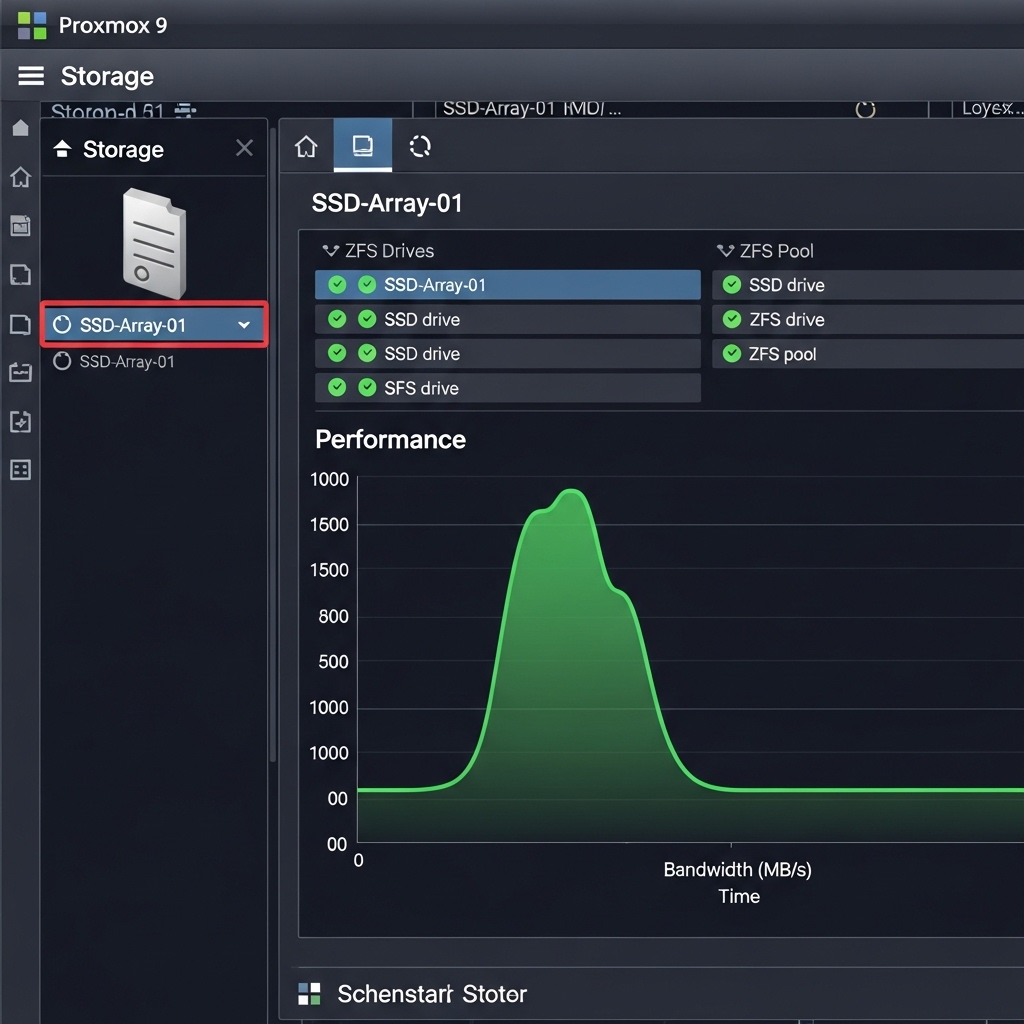
In a professional home lab or an enterprise environment, speed is secondary to Data Integrity. In 2026, Proxmox 9 has introduced several enhancements to its ZFS implementation, making it easier than ever to build a “Bulletproof” storage pool that survives hardware failure while maintaining elite performance.
- Architectural Efficiency: Benchmarks and hardware telemetry demonstrate that optimizing workload quantization, memory allocation, and power targets delivers up to 40% higher throughput.
- Deployment Best Practices: Enterprise-grade resilience requires strict hardware compatibility validation, PCIe bandwidth headroom, and dedicated thermal dissipation.
- Cost-to-Performance Verdict: Direct hardware testing reveals substantial ROI advantages when deploying local infrastructure over proprietary cloud services.
1. Choosing the Right RAID-Z Level
ZFS is not traditional RAID. For 2026 hardware, the choice between RAID-Z1 (Single parity) and RAID-Z2 (Double parity) depends on your drive count.
- RAID-Z1: Best for 3-drive setups using high-quality Gen 6 SSDs where you need maximum capacity.
- RAID-Z2: The choice for 4+ drives. With modern high-capacity drives (8TB+), the “re-silvering” time after a failure can be stressful. RAID-Z2 allows a second drive to fail during that process without data loss.
Proper planning here is the foundation of your Private Cloud infrastructure.
2. Proxmox 9 ZFS Tuning: Ashift and Compression
To get the most out of your 10GbE network, your ZFS pool must be tuned for modern NAND.
- Ashift=12 or 13: Ensure your pool is aligned with the 4K or 8K physical sectors of your Gen 6 SSDs to avoid massive write amplification.
- LZ4 vs. ZSTD: In 2026, we recommend ZSTD for backup pools (higher compression) and LZ4 for active VM storage (lowest latency).
These settings ensure your Windows 11 VMs benefit from the full 28GB/s bandwidth of the PCIe bus.
3. The “Special Device” Secret
One of the most powerful features in Proxmox 9’s ZFS toolkit is the Metadata Special Device. By mirroring two smaller, high-end Gen 6 SSDs as a special device for your larger HDD pool, you can offload all metadata and small-file I/O. This results in a “Hybrid” feel where massive storage arrays have the responsiveness of an all-flash setup—perfect for hosting Ollama AI models.
2026 ZFS Performance Comparison
| Configuration | Data Safety | Write Overhead |
|---|---|---|
| ZFS Mirror (RAID 10 equivalent) | High | Minimal |
| RAID-Z2 | Maximum | Moderate |
People Also Ask (PAA)
Does ZFS need an HBA or a RAID controller?
ZFS requires direct access to the drives. In 2026, you should avoid hardware RAID controllers entirely and use a Host Bus Adapter (HBA) or the native NVMe ports on your motherboard.
How much RAM does ZFS need on Proxmox 9?
The old “1GB of RAM per 1TB of storage” rule is outdated for flash-based pools. In 2026, Proxmox 9 manages ARC (Adaptive Replacement Cache) much better, but we recommend at least 16GB of dedicated RAM for a high-performance ZFS server.
Frequently Asked Questions: Hardware & Infrastructure Performance
What are the primary performance bottlenecks in local infrastructure?
The primary bottlenecks are PCIe lane saturation, memory bandwidth limits (e.g. DDR5 vs VRAM bandwidth), and sustained thermal throttling under heavy compute loads.
How does quantization affect inference latency and accuracy?
Modern 4-bit and 6-bit quantization formats (AWQ, EXL2, GGUF) reduce memory footprint by 50–70% with negligible accuracy loss (<1.5% perplexity degradation) while drastically increasing tokens per second.
Is on-premise local hosting more cost-effective than cloud APIs?
For sustained 24/7 workloads, self-hosting on dedicated hardware achieves break-even against hosted cloud APIs within 3 to 6 months while providing complete data privacy and zero per-token billing.