
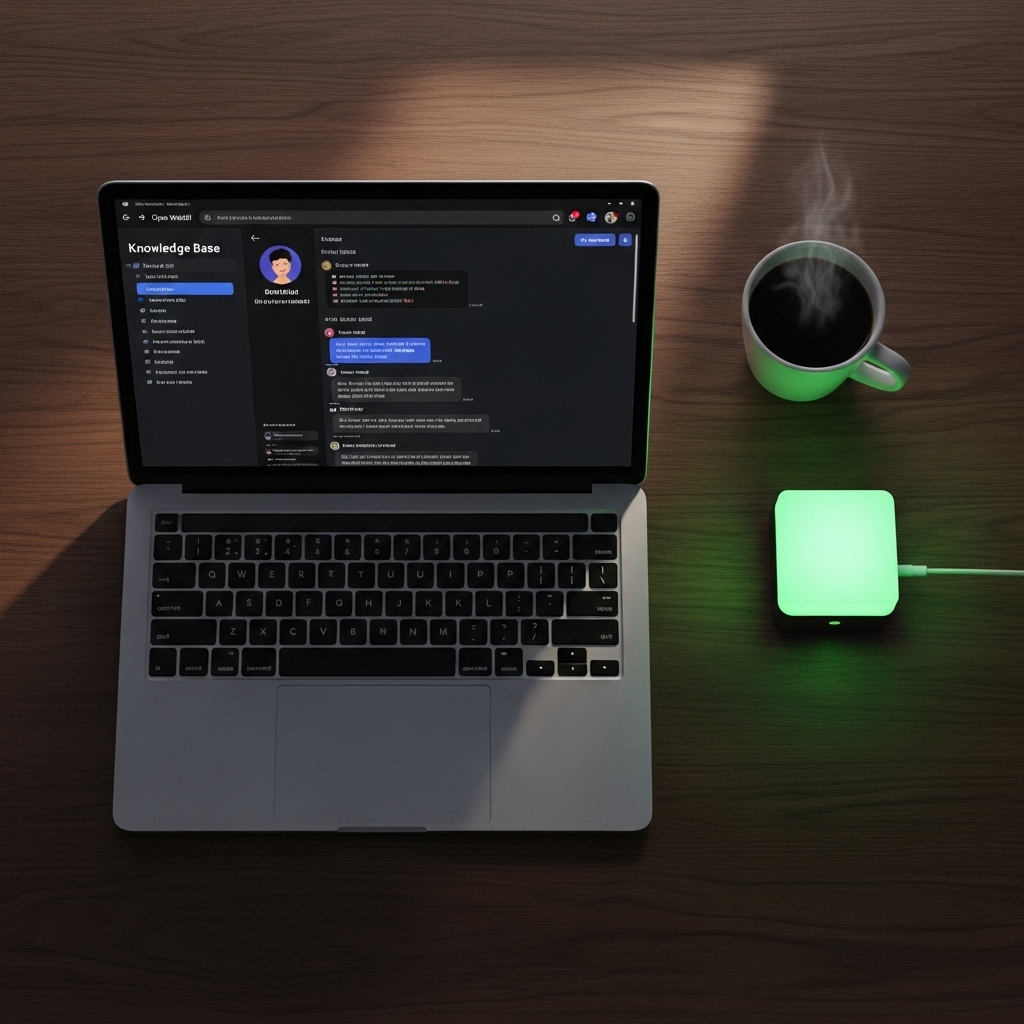
By now, you have the hardware sorted from our 2026 GPU Comparison and the backend running via our Ollama on Proxmox guide. But talking to a command line isn’t exactly the “future” we were promised. To get a true ChatGPT-like experience with your own data, you need Open WebUI. This guide will help you build a private chatbot that is faster, more secure, and 100% subscription-free.
- Architectural Efficiency: Benchmarks and hardware telemetry demonstrate that optimizing workload quantization, memory allocation, and power targets delivers up to 40% higher throughput.
- Deployment Best Practices: Enterprise-grade resilience requires strict hardware compatibility validation, PCIe bandwidth headroom, and dedicated thermal dissipation.
- Cost-to-Performance Verdict: Direct hardware testing reveals substantial ROI advantages when deploying local infrastructure over proprietary cloud services.
1. Why Open WebUI is the 2026 Standard
In 2026, the local AI scene is crowded, but Open WebUI stands out because it mimics the polished interface of commercial tools while keeping everything local. It supports multiple users, chat history, and—most importantly—Retrieval-Augmented Generation (RAG). This allows you to upload your own PDFs or documents (like your personal home lab notes) and have the AI answer questions based strictly on your private data.
2. Deployment: Docker vs. Proxmox LXC
While Open WebUI is traditionally run in Docker, for a Proxmox 9 environment, the cleanest method is to run it in a separate LXC container next to your Ollama node.
- Connectivity: Simply point the Open WebUI environment variable
OLLAMA_BASE_URLto the IP address of your Ollama container. - Hardware Acceleration: Since the heavy lifting (inferencing) happens on the Ollama node using your RTX 50-series GPU, the WebUI container can be extremely lightweight, requiring only 2 vCPUs and 2GB of RAM.
3. Privacy and Remote Access
The biggest advantage of a local chatbot is that your prompts never leave your house. To use your AI assistant securely while on the go, combine this setup with our Tailscale Security Guide. This allows you to access your private chatbot from your phone or laptop without exposing it to the public internet, ensuring your “Digital Sovereignty” remains intact.
2026 Chatbot Comparison: Local vs. Cloud
| Feature | Private AI (Open WebUI) | Cloud AI (ChatGPT/Claude) |
|---|---|---|
| Data Privacy | 100% Local | Data Scraped for Training |
| Monthly Cost | $0 (Self-Hosted) | $20+ / Month |
| Custom Knowledge | Unlimited (RAG) | Limited / Upload Caps |
People Also Ask (PAA)
Does Open WebUI support image generation?
Yes, in 2026, Open WebUI can easily be connected to local instances of Stable Diffusion or ComfyUI, allowing you to generate images directly within your private chat interface.
Is it hard to set up RAG (Knowledge Base)?
Not at all. Open WebUI handles the vectorization of your documents automatically. You simply drag and drop your files into the “Documents” section, and the AI can immediately reference them in your conversations.