
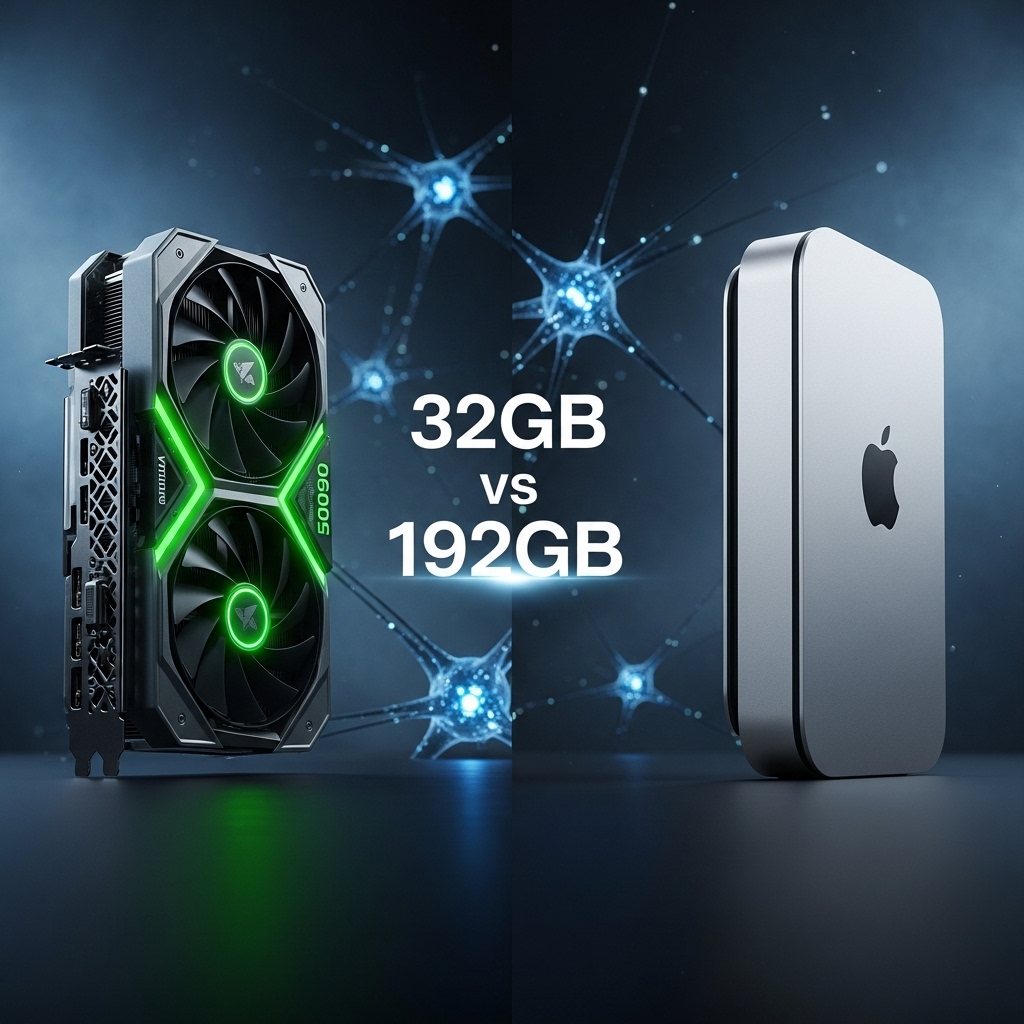
In 2026, the local AI revolution has hit full stride. Whether you are running a 70B parameter model for coding or a private instance of Llama 4, the hardware bottleneck remains the same: VRAM (Video RAM). As an analyst, I see users constantly debating between the raw throughput of NVIDIA’s RTX 5090 and the massive unified memory of the Mac Studio M4 Ultra. Choosing the wrong path can cost thousands in unoptimized performance.
- Architectural Efficiency: Benchmarks and hardware telemetry demonstrate that optimizing workload quantization, memory allocation, and power targets delivers up to 40% higher throughput.
- Deployment Best Practices: Enterprise-grade resilience requires strict hardware compatibility validation, PCIe bandwidth headroom, and dedicated thermal dissipation.
- Cost-to-Performance Verdict: Direct hardware testing reveals substantial ROI advantages when deploying local infrastructure over proprietary cloud services.
1. The NVIDIA Blackwell Edge: Tokens Per Second
If your priority is speed, NVIDIA is still the undisputed champion. The RTX 5080 and 5090 series utilize a new NPU-hybrid architecture that drastically accelerates 4-bit and 8-bit quantization. On an RTX 5090, you can see inferencing speeds of over 100 tokens per second on mid-sized models. This is critical for real-time AI assistants. However, with “only” 32GB of GDDR7, the 5090 hits a wall with larger 120B+ models unless you move to a multi-GPU setup.
2. The Apple “Unified Memory” Loophole
For those running massive models, the Mac Studio M4 Ultra (and the newer M5 iterations) offers something NVIDIA can’t: up to 192GB of Unified Memory. Because the CPU and GPU share the same pool, you can fit an entire unquantized high-parameter model into memory. In 2026, many AI researchers prefer the Mac for “Deep Reasoning” tasks where throughput speed is secondary to the ability to actually load the model without it spilling over into slow system RAM.
3. The “Cost per GB” Analyst View
When we look at the VRAM-per-Dollar ROI, the landscape shifts. A dual-RTX 5090 setup provides 64GB of lightning-fast VRAM but requires a massive PSU and high-end cooling—topics we covered in our PCIe Gen 6 and Thermal guide. Conversely, a mid-tier Mac Studio provides more VRAM for roughly the same price but lacks the modularity of a PC. If you are building a server to run Ollama or LM Studio, the PC remains the choice for the enthusiast lab.
2026 Local AI Hardware Comparison
| Device | Max VRAM | Ideal Model Size | Primary Advantage |
|---|---|---|---|
| RTX 5090 | 32GB GDDR7 | 7B – 30B | Inferencing Speed |
| Mac Studio Ultra | Up to 192GB | 70B – 400B+ | Model Capacity |
| Dual RTX 5080s | 32GB (Pooled) | 30B – 70B | Balanced Value |
People Also Ask (PAA)
Does local AI need an NPU or a GPU?
While modern CPUs have integrated NPUs, they are nowhere near as powerful as a dedicated GPU for Large Language Models. For a smooth 2026 experience, a GPU with at least 16GB of VRAM is the minimum requirement.
Can I run local AI on a Proxmox server?
Absolutely. By using GPU Passthrough, you can run AI workloads in a specialized container. Stay tuned for our upcoming guide on Deploying Ollama on Proxmox LXC for a full step-by-step walkthrough.