
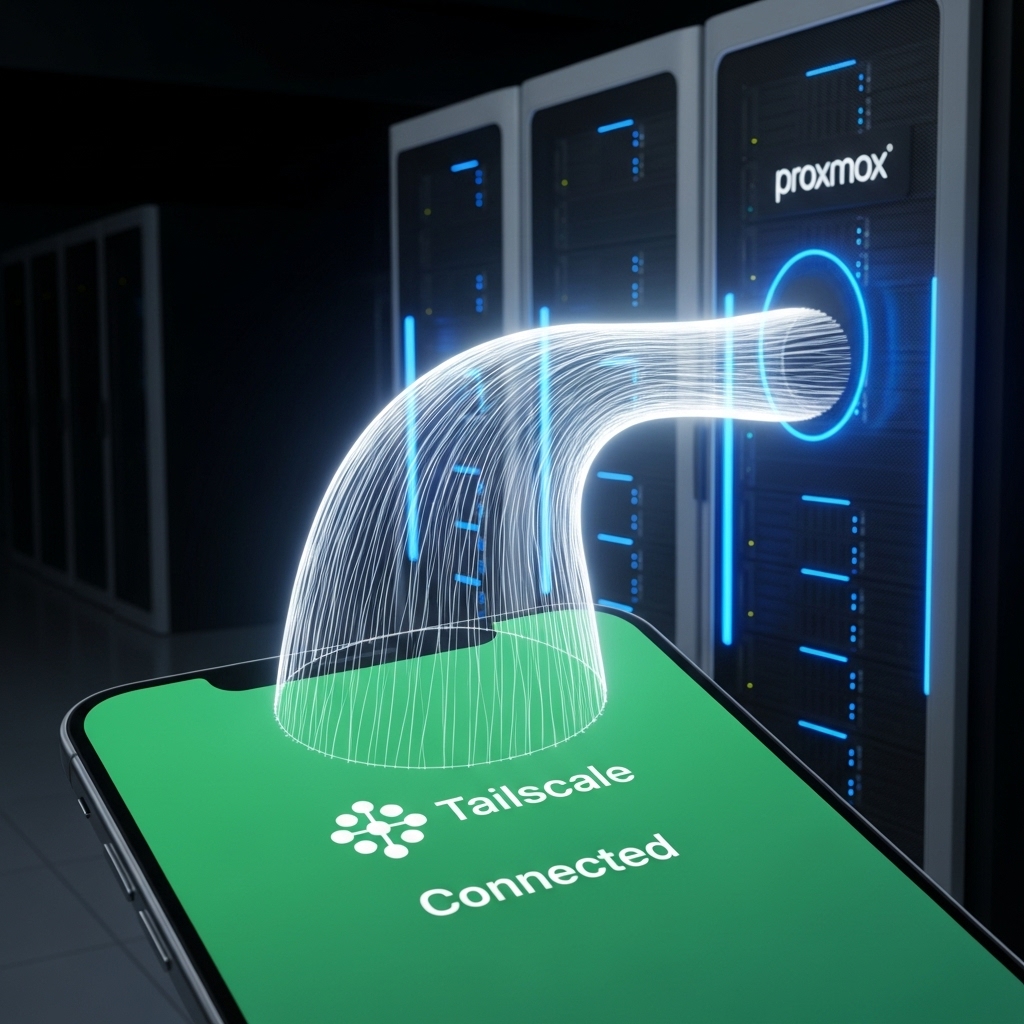
If you have followed our guides for Jellyfin and Nextcloud, you now have a powerful digital ecosystem running on Proxmox 9.x. But how do you access these services safely when you are away from home? In 2026, the answer isn’t opening holes in your firewall—it’s Tailscale.
- Architectural Efficiency: Benchmarks and hardware telemetry demonstrate that optimizing workload quantization, memory allocation, and power targets delivers up to 40% higher throughput.
- Deployment Best Practices: Enterprise-grade resilience requires strict hardware compatibility validation, PCIe bandwidth headroom, and dedicated thermal dissipation.
- Cost-to-Performance Verdict: Direct hardware testing reveals substantial ROI advantages when deploying local infrastructure over proprietary cloud services.
1. The Magic of the “Mesh VPN”
Unlike traditional VPNs (like OpenVPN) that require a central server and complex certificate management, Tailscale creates a Zero-Config Mesh Network. Built on the lightning-fast WireGuard protocol, Tailscale assigns each of your devices a unique “Tailnet” IP. Whether your Proxmox server is on an Intel N100 behind a strict ISP firewall or you are on hotel Wi-Fi, Tailscale finds the shortest, most secure path between them without you ever touching a router setting.
2. Deploying Tailscale on Proxmox: Host vs. LXC
For maximum security in 2026, we recommend a dual-layer approach:
- Host Access: Install Tailscale directly on your Proxmox host. This allows you to access the web GUI (Port 8006) from any browser on your Tailnet.
- Subnet Router: Configure a dedicated LXC container as a Subnet Router. This acts as a secure gateway, allowing you to reach devices on your home network that can’t run Tailscale, such as printers or legacy IP cameras.
3. The “Exit Node” Strategy: Travel Security
One of the best “niche” features of 2026 is the Exit Node. By designating your home server as an exit node, you can route all your mobile traffic through your home fiber connection while traveling. This not only secures your data on sketchy public Wi-Fi but also lets you access your Jellyfin library as if you were sitting on your own couch, bypassing geo-restrictions and carrier throttling.
Home Lab Access: 2026 Security Scorecard
| Method | Security Level | Difficulty |
|---|---|---|
| Port Forwarding | Low (Dangerous) | Easy |
| Traditional VPN | High | Hard |
| Tailscale (Mesh) | Ultra (Best) | Zero-Config |
People Also Ask (PAA)
Is Tailscale free for home lab users?
Yes! The Tailscale personal plan is free forever for up to 100 devices and 3 users, which is more than enough for even the most advanced enthusiast home labs in 2026.
Does Tailscale slow down my internet speed?
Because Tailscale uses WireGuard, the overhead is extremely low. Most users will see near-line speeds on 1GbE and 2.5GbE networks, though performance on older CPUs like the N100 may cap out around 600-800Mbps due to encryption overhead.
What happens if the Tailscale coordination server goes down?
If the coordination server is offline, you cannot add *new* devices or change settings, but your *existing* peer-to-peer connections will continue to function normally. For 2026, the uptime has been nearly 100%.