
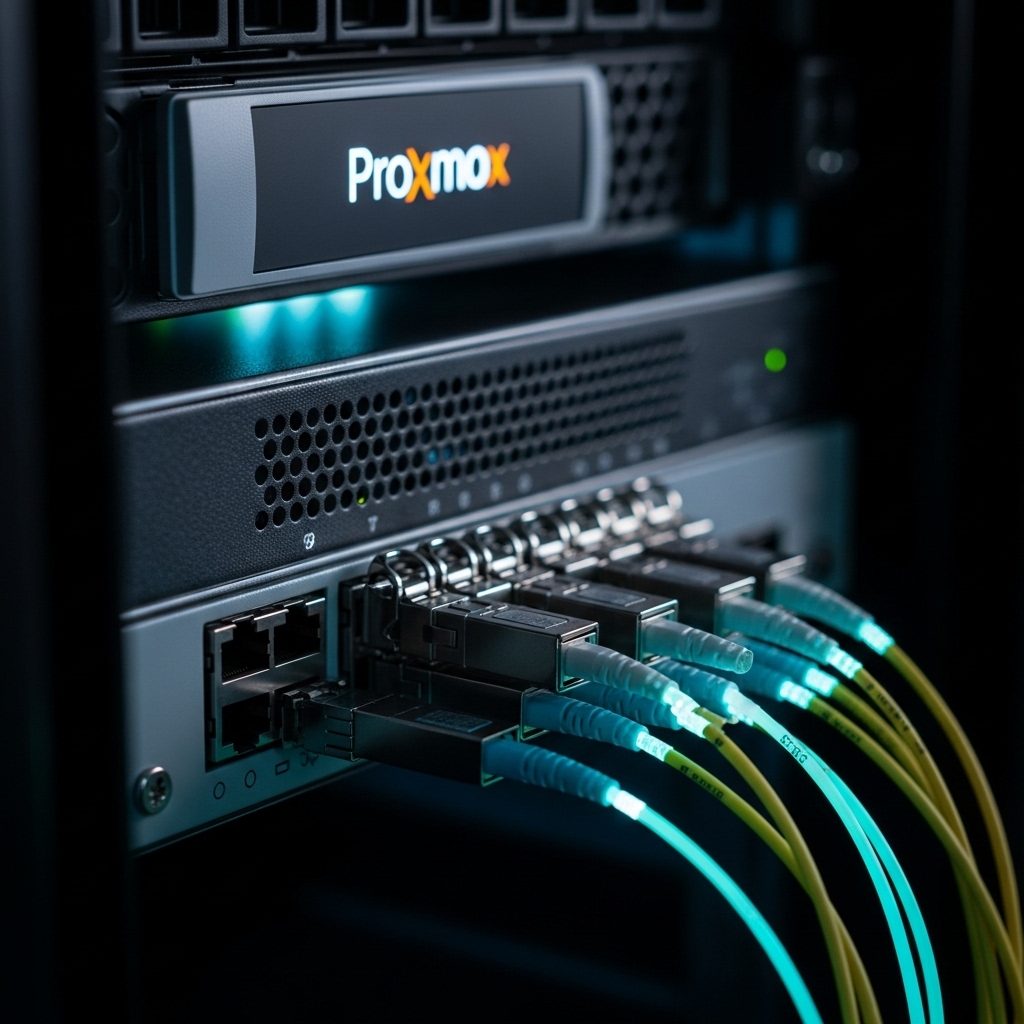
If you have upgraded to a 2026 8K Monitor, you are about to discover a hidden bottleneck: your home network. A single minute of raw 8K video can exceed 10GB in size, and even compressed 8K streams can saturate a standard Gigabit (1GbE) connection. To maintain a seamless Jellyfin or Nextcloud experience, upgrading to 10GbE is no longer optional—it is a requirement.
1. The 10GbE Reality Check: SFP+ vs. RJ45
In 2026, the cost of 10GbE hardware has plummeted. As we discussed in our Intel N100 vs. Enterprise Gear analysis, older enterprise switches often feature SFP+ ports. For a home lab, SFP+ (using DAC cables or Fiber) is superior to standard RJ45 copper because it generates significantly less heat and consumes less power—critical for 24/7 server stability.
2. Proxmox Networking: Virtualizing the 10GbE Pipeline
To get the most out of your 10GbE NIC in Proxmox 9.x, you must optimize your virtual bridges.
- MTU 9000 (Jumbo Frames): Essential for 8K content. By increasing the MTU, you reduce CPU overhead, allowing your PCIe Gen 6 SSDs to push data across the wire at maximum velocity.
- VirtIO Drivers: Ensure your containers and VMs are using the VirtIO network stack to avoid the emulation bottlenecks that plague standard drivers.
3. The Storage Impact: ZFS and 10GbE
Networking is only half the battle. If your storage pool is too slow, a 10GbE connection is useless. In 2026, we recommend a ZFS RAID-Z1 or Z2 pool with at least one NVMe L2ARC (Cache) drive. This ensures that when your 8K TV requests a file, the data is moved from the disk to the network at speeds exceeding 800MB/s, providing a “Zero-Buffer” experience.
2026 Network Speed Comparison: 8K Readiness
| Standard | Max Throughput | 8K Stream Support |
|---|---|---|
| 1GbE (Legacy) | ~110 MB/s | Frequent Buffering |
| 2.5GbE (Standard) | ~280 MB/s | 1-2 Streams |
| 10GbE (Enthusiast) | ~1,100 MB/s | Unlimited / Multi-User |